This is the sister project to my QuakeSpasm one: the same seven test machines, same build trick, just a different game. I forked yquake2 5.11 and used Claude Code to push Quake II's graphics as far as they'd go while keeping it playable on a 1999 G3, directing it and checking every change against real benchmarks on the machines.
# The bench
| Machine | Year | CPU | GPU | macOS |
|---|---|---|---|---|
| yosemite | 1999 | PowerMac G3 B&W, 449 MHz | ATI Rage 128, 16 MB | 10.3.9 Panther |
| sawtooth | 1999 | PowerMac G4 AGP, 500 MHz 7400 | NVIDIA GeForce2 MX, 32 MB | 10.4.11 Tiger |
| quicksilver | 2001 | PowerMac G4, 733 MHz 7450 | Radeon 9000 Pro, 64 MB | 10.4.11 Tiger |
| mini-g4 | 2005 | Mac mini G4, 1.25 GHz 7447A | Radeon 9200, 32 MB | 10.4.11 Tiger |
| imac-g5 | 2005 | iMac G5, 2.0 GHz 970FX | Radeon 9600, 128 MB | 10.5.8 Leopard |
| mini-intel | 2007 | Mac mini, 2.33 GHz Core 2 Duo | Intel GMA 950 | 10.7.5 Lion |
| imac-2019 | 2019 | iMac 27", 3.7 GHz i5-9600K | Radeon Pro 580X, 8 GB | 15.7 Sequoia |
It's the same set of machines as the QuakeSpasm project, driven the same way. Quake II is put together differently. QuakeSpasm is a single program. Quake II is a main program plus two helper files it loads when it starts: one that draws the graphics (ref_gl.so) and one that runs the game rules (baseq2/game.so). Those two files sit beside the app rather than tucked inside it, so when you double-click the app a small launcher quietly steps up one folder to find them.
# The setup
Seven headless Macs (no screens, no keyboards) driven over ssh from an Ubuntu workstation. The Lion mini is where everything gets built: it holds the compiler toolchains for the G3 (10.3.9 SDK), the G4 (10.4u SDK with AltiVec), the G5 (10.5 SDK), and Lion's Intel chips (x86_64).
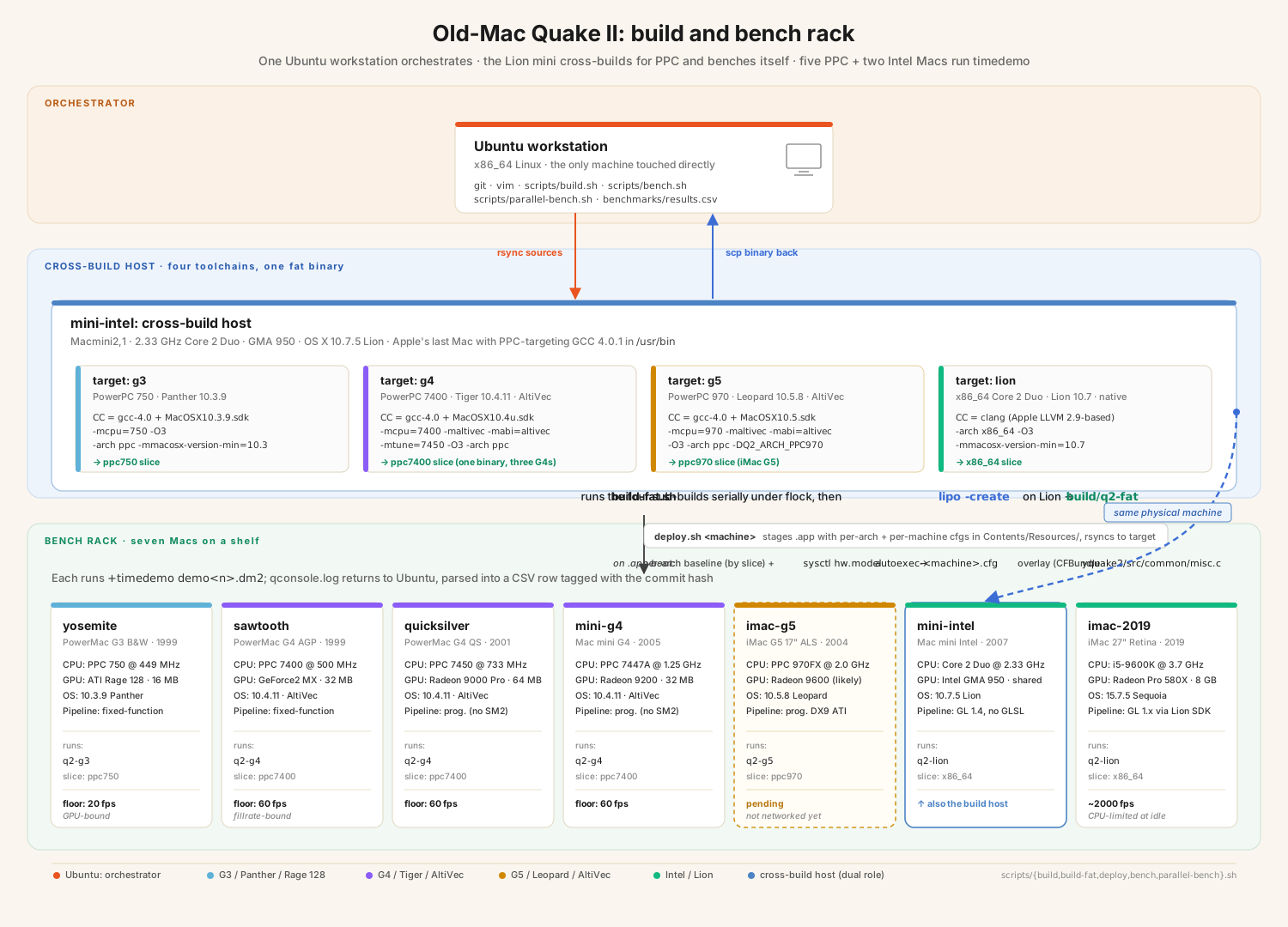
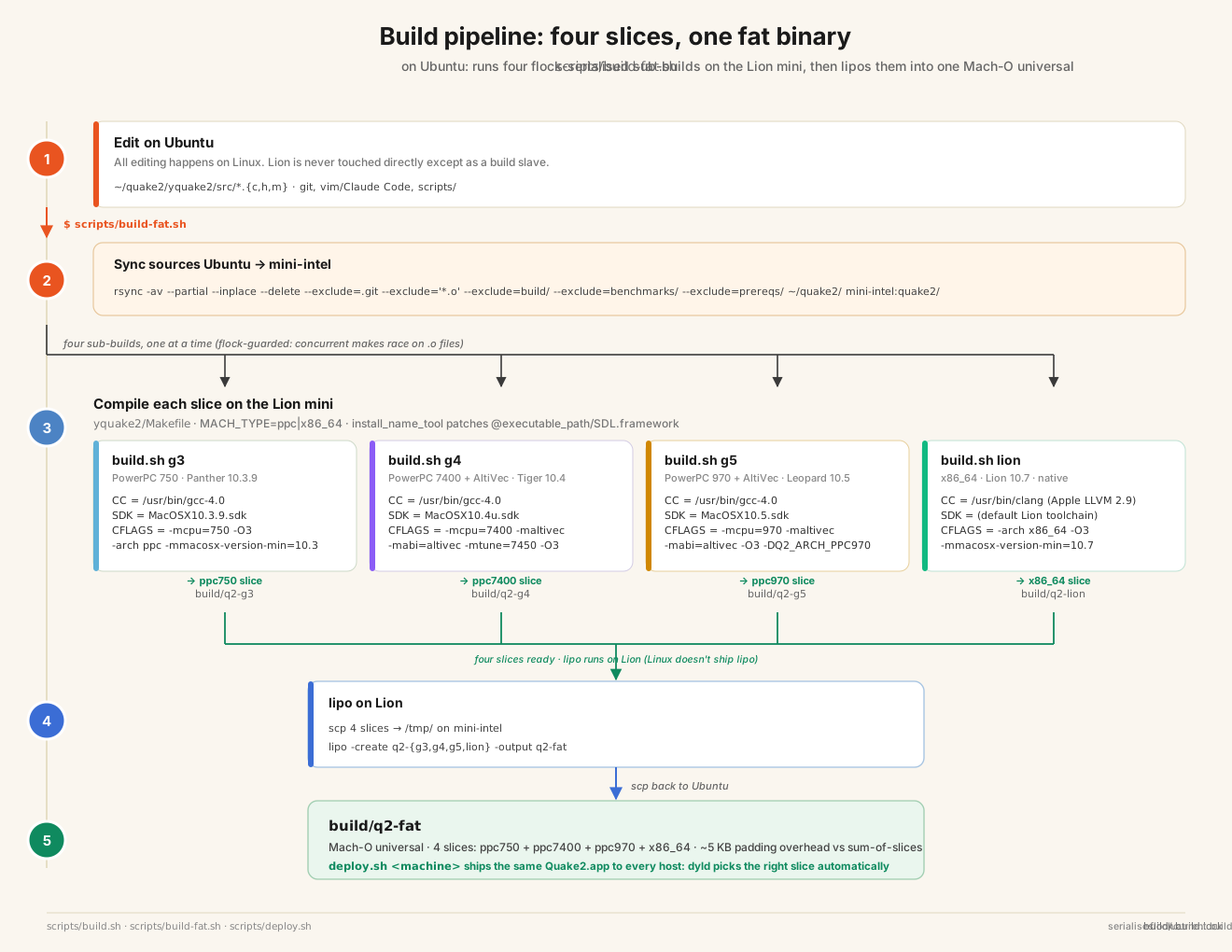
build-fat.sh runs the four builds one after another (G3, G4, G5, then Lion's Intel), then Apple's lipo tool glues the four CPU-specific binaries into a single universal file inside Quake2.app. (Each build grabs a lock first so two runs can't trip over each other in the shared build folder.) Everything else is plain rsync, ssh and scp on top of make.
The app carries seven config files inside it, one per Mac. When it starts up it asks macOS which model it's running on (hw.model) and loads the config that matches, before the video system comes up so the renderer opens straight into its final mode. Same app on every machine, just different settings.
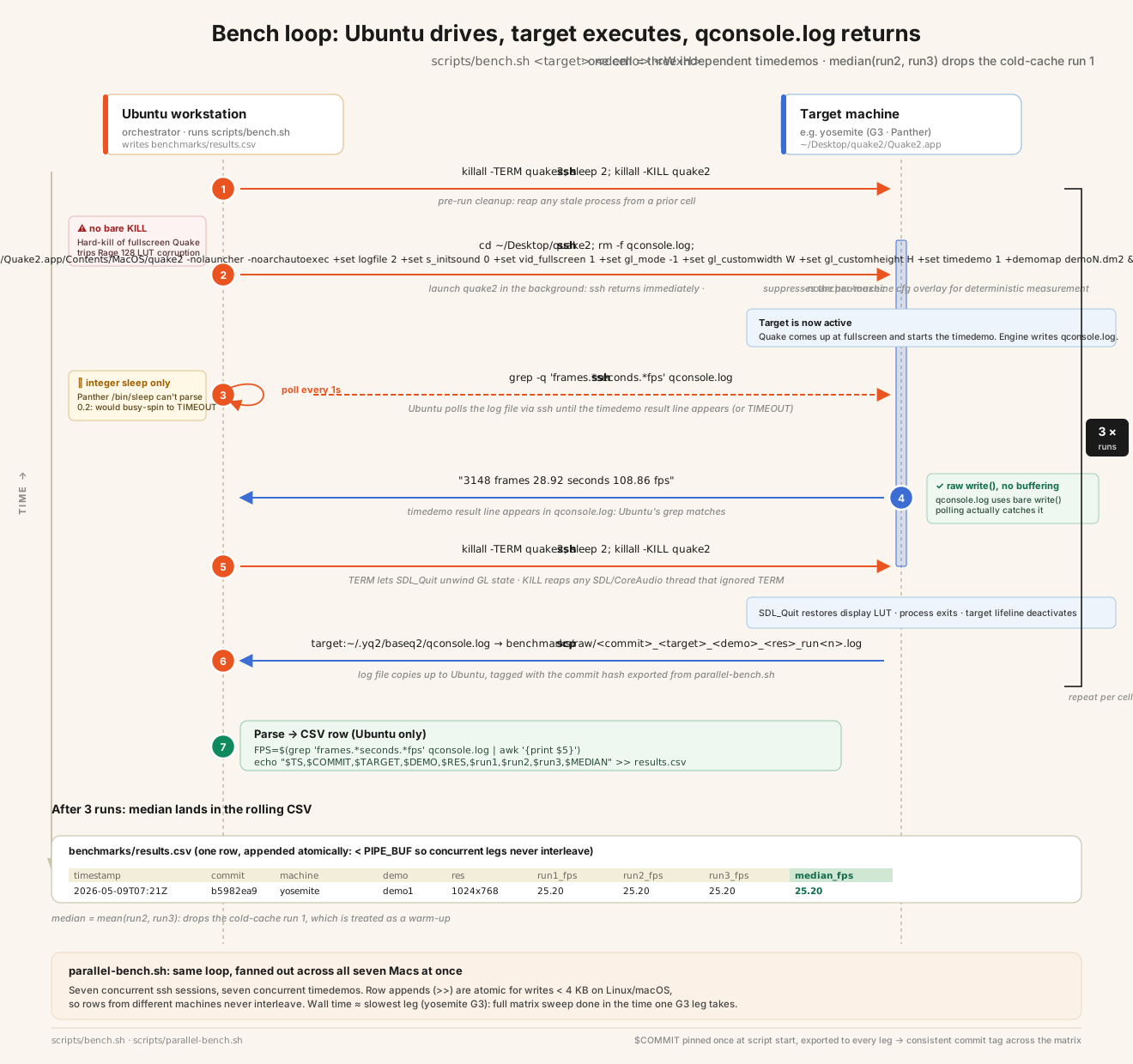
Each bench run is one machine playing one recorded demo at one screen size. Quake has a built-in timedemo mode that replays a demo as fast as the machine can manage and prints the frame rate. bench.sh launches it, reads that number out of the log, and saves it to a spreadsheet tagged with the code version. parallel-bench.sh does the whole grid across all seven machines at once.
# First build vs current
Two builds on the same machines, both running the same recorded demo (demo1.dm2). The "first build" column is v1.0.0: plain yquake2 5.11 with just enough changes to compile on Lion and bundle into the app. The "current" column is the tuned build after all the work. The latest release is v2.5.1. The "Floor" column is the lowest frame rate I'll accept on each machine before the game stops feeling smooth.
| Machine | First 640 | Now 640 | Δ | First 1024 | Now 1024 | Δ | Floor |
|---|---|---|---|---|---|---|---|
| imac-2019 | 709.20 | 711.75 | +0% | 701.60 | 726.40 | +4% | 60 ✓ |
| mini-intel | 59.40 | 222.80 | +275% | 80.80 | 100.30 | +24% | 60 ✓ |
| mini-g4 | 126.90 | 100.45 | −21% | 99.15 | 56.80 * | −43% | 60 ✓ |
| sawtooth | 95.00 | 72.90 | −23% | 82.90 | 65.45 | −21% | 60 ✓ |
| quicksilver | 72.40 | 70.70 | −2% | 68.50 | 68.60 | +0% | 60 ✓ |
| yosemite | 65.15 | 46.20 | −29% | 31.60 | 25.20 | −20% | 20 ✓ |
* mini-g4 1024 is a heat-soaked reading after hours of continuous benching. On a cool machine it runs nearer 99 fps. The G4 throttles under a long run. Logged in MISTAKES.md.
The iMac G5 isn't in the table above. It joined later (v2.2.0) and runs its native 1440×900 only, because its Leopard graphics driver hard-hangs the whole machine on a fullscreen mode switch. At native res it holds about 47 fps with the full set of effects on, which is the trade I wanted there: better-looking over faster.
The big jump is the mini-intel, up 275% at 640×480. macOS was making the game wait for the monitor to refresh 60 times a second even though I'd told it not to, which pinned the frame rate at 60. An SDL call telling it not to wait removed the cap.
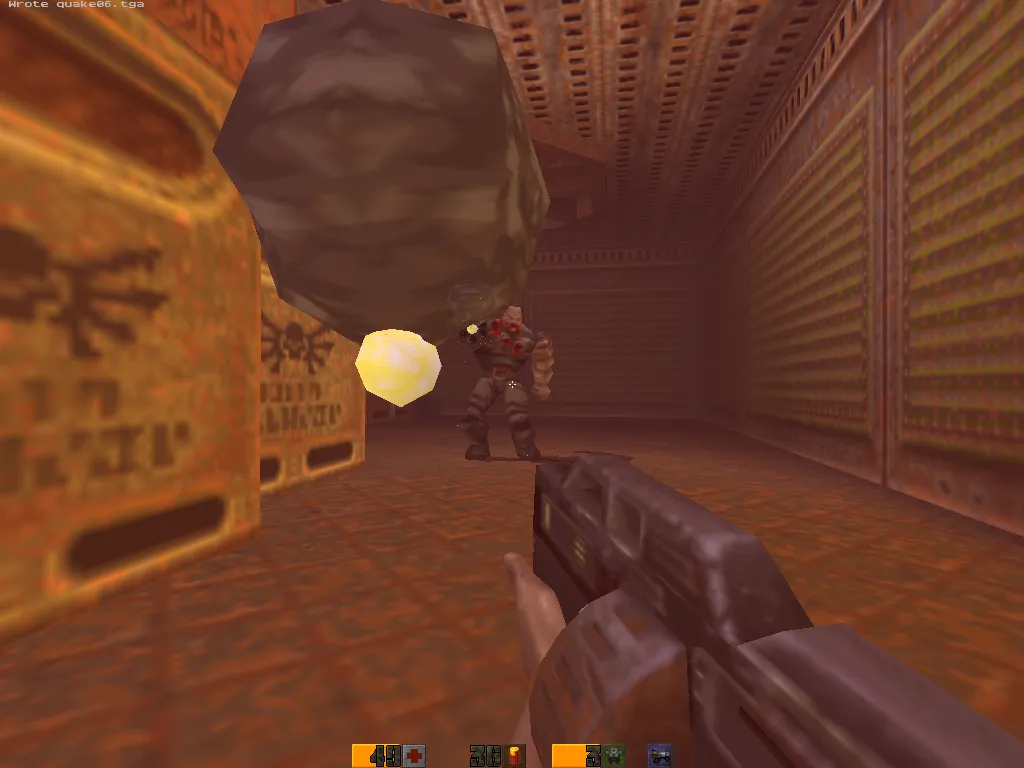
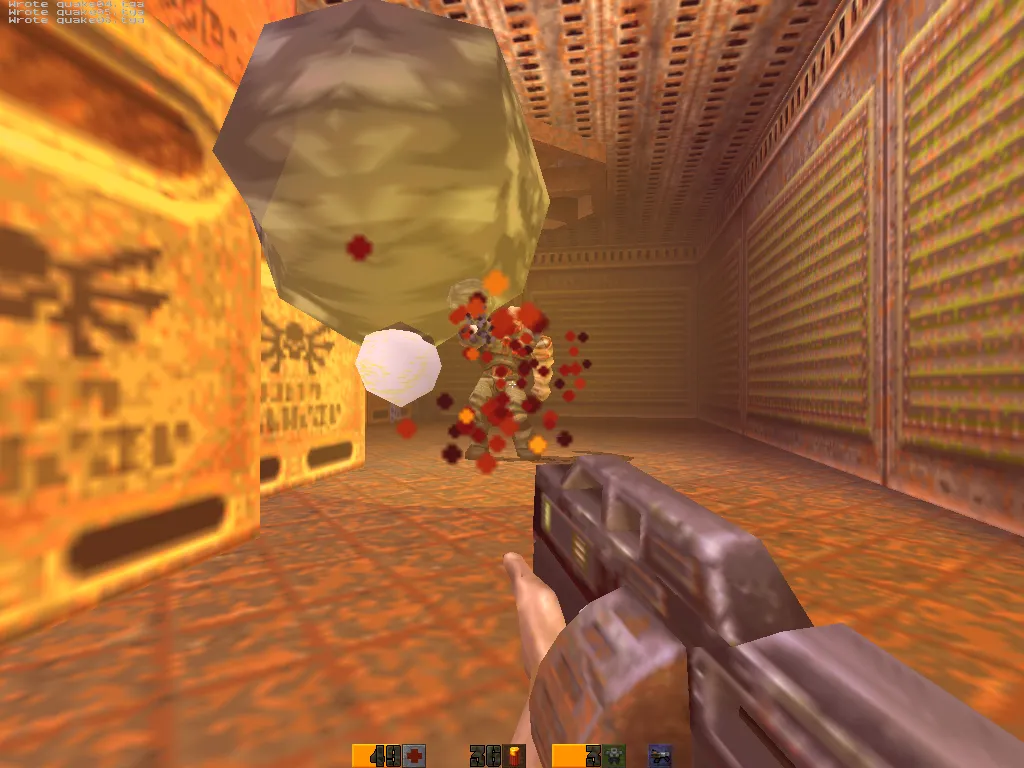
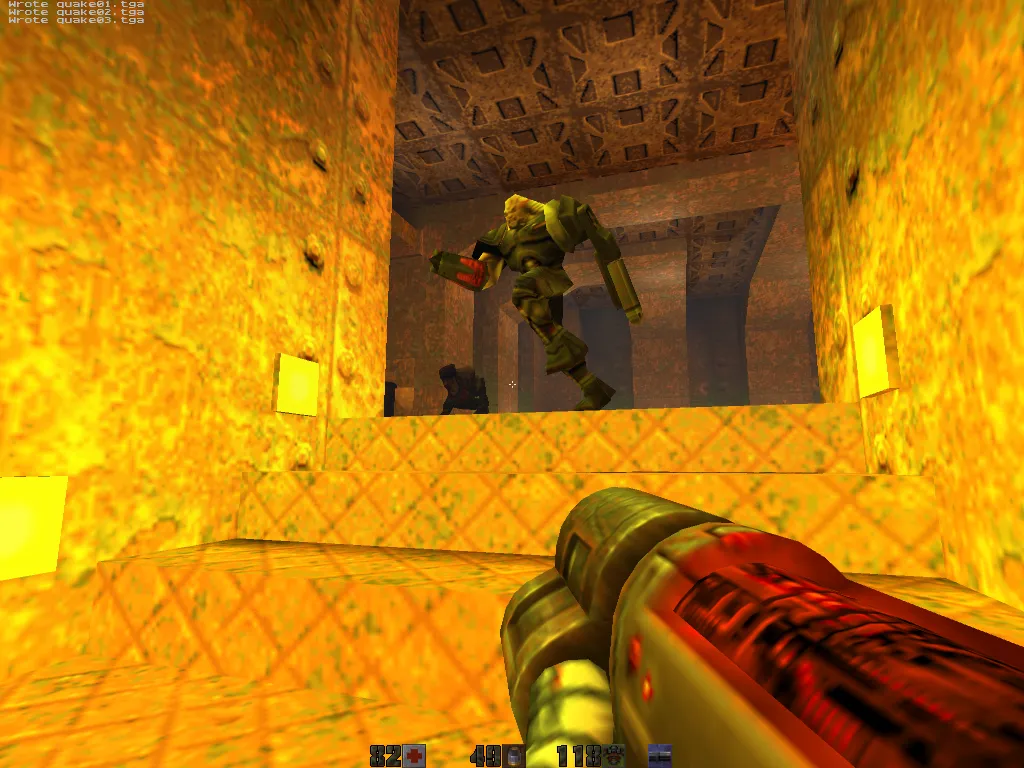
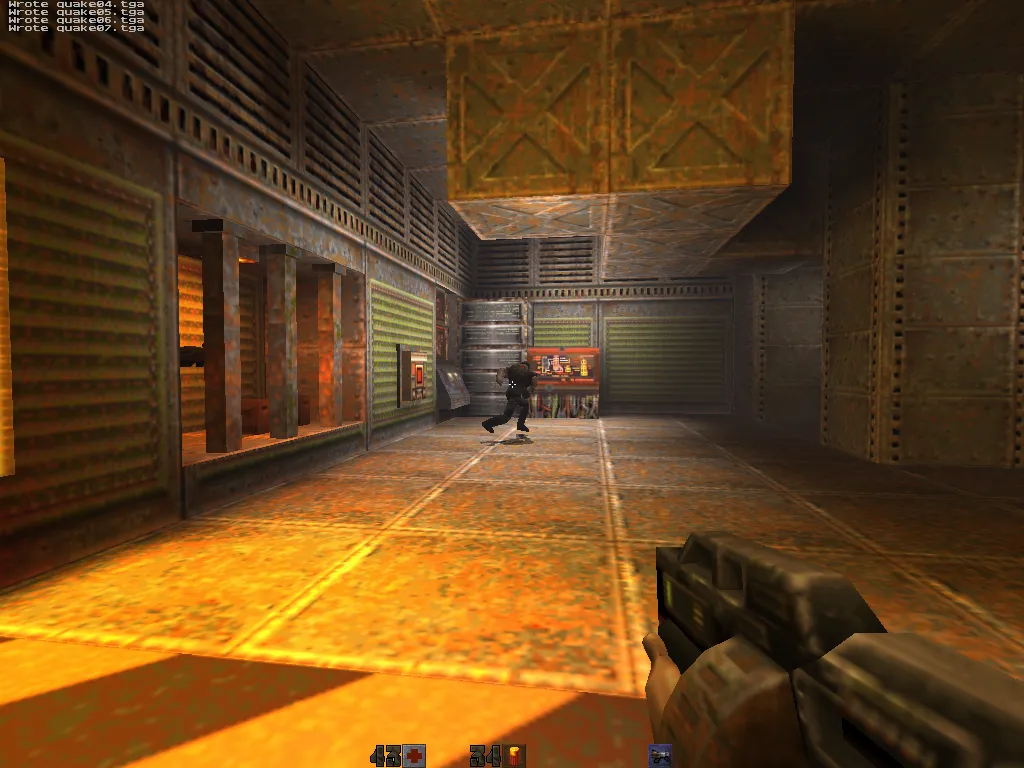
The drops are the price of the new graphics: decals, fog, the wobble you see underwater, smoother textures, crisp stencil shadows under the monsters and more. I added each one on its own, measured what it cost, and weighed that against keeping the machine above its floor. The G3 lost 20–29% because its 1999 graphics chip can only colour in so many pixels a second, and every effect eats into that budget. The same effects barely touch the 2019 iMac, which has power to spare. Every machine still clears its floor. On the G3 that lower number is deliberate: I'd rather have the richer picture than a bigger count, and 25 fps at 1024×768 is still perfectly playable to me.
# Framerate
timedemo demo1.dm2 at commit 00530b6a. Median of three runs per cell.
| Machine | 640×480 | 1024×768 | Floor | Settings applied |
|---|---|---|---|---|
| imac-2019 | 711.75 | 726.40 | 60 | everything on: trilinear, 16× AF, stencil shadows, dynamic lights, shell glow, lit glass and grates, water caustics, fog, decals 128, 8× MSAA (GPU never bound) |
| mini-intel | 222.80 | 100.30 | 60 | picmip 0, trilinear, 8× AF, stencil shadows, dynamic lights, shell glow, lit glass and grates, caustics, fog, waterwarp, decals 128, 8× MSAA |
| mini-g4 | 100.45 | 56.80 | 60 | picmip 0, trilinear, 16× AF, dynamic lights, stencil shadows, shell glow, lit glass and grates, caustics, overbrightbits 4, fog, waterwarp, decals 32, 2× MSAA |
| sawtooth | 72.90 | 65.45 | 60 | picmip 0, trilinear, 2× AF, stencil shadows, gl_flashblend 1 halos, fog, waterwarp, decals 16 |
| quicksilver | 70.70 | 68.60 | 60 | picmip 0, trilinear, 16× AF, dynamic lights, stencil shadows, shell glow, lit glass and grates, caustics, overbrightbits 4, fog, waterwarp, decals 32, 2× MSAA |
| yosemite | 46.20 | 25.20 | 20 | picmip 0, trilinear, alias shadows, 2× AF, lit glass and grates, water caustics, fog, waterwarp, decals 32 |
quicksilver sits at about 70 fps at both sizes, held at its cap rather than by the graphics, so there's still room there to add more effects.
Those numbers are from just before crisp stencil shadows went on across the PowerPC machines in v2.5.1. Turning them on is roughly free on the Radeon 9000/9600 and the Intel chips, and costs the mini-g4 around 15% at 1024, which on the G4s is the trade I want, better-looking over faster.
# What shipped since the first build
These are features pulled in from two other Quake II projects (the latest yquake2 and KMQuake2) and reworked to compile with Apple's old gcc 4.0.1 from 2007.
| Feature | cvar | Source | Cost on the R128 |
|---|---|---|---|
| Cvar-driven linear/exp fog | gl_fog | KMQuake2 r_fog.c | -0.6 fps |
| Underwater frustum sine-warp | gl_waterwarp | yquake2-latest | only underwater |
Group-draw batching (qglDrawElements) | gl_groupdraw | yquake2-latest gl1_buffer.c | -0.75 fps |
| World decals: bullet, blood, Strogg green blood, scorch marks | gl_decals gl_decal_max | KMQuake2 r_fragment.c | ~0 (gl_dynamic 0, no overdraw on empty world) |
MSAA via SDL_GL_MULTISAMPLE | gl_msaa_samples | own port | n/a (off on R128) |
| Lightmap subrect dynamic upload | gl_lightmap_subrect | QS port | no-op if gl_dynamic 0 |
AltiVec R_LerpVerts | n/a | own port | +4% G4 demo1 1024 |
| stb_image-based JPEG decode | n/a | vendored stb_image.h | drops libjpeg dep |
| CFBundle HD-pak search path | n/a | Q2_GetBundleHDPakPath | one-time at FS init |
| GL_ARB_point_sprite textured glow | n/a | own port | where supported |
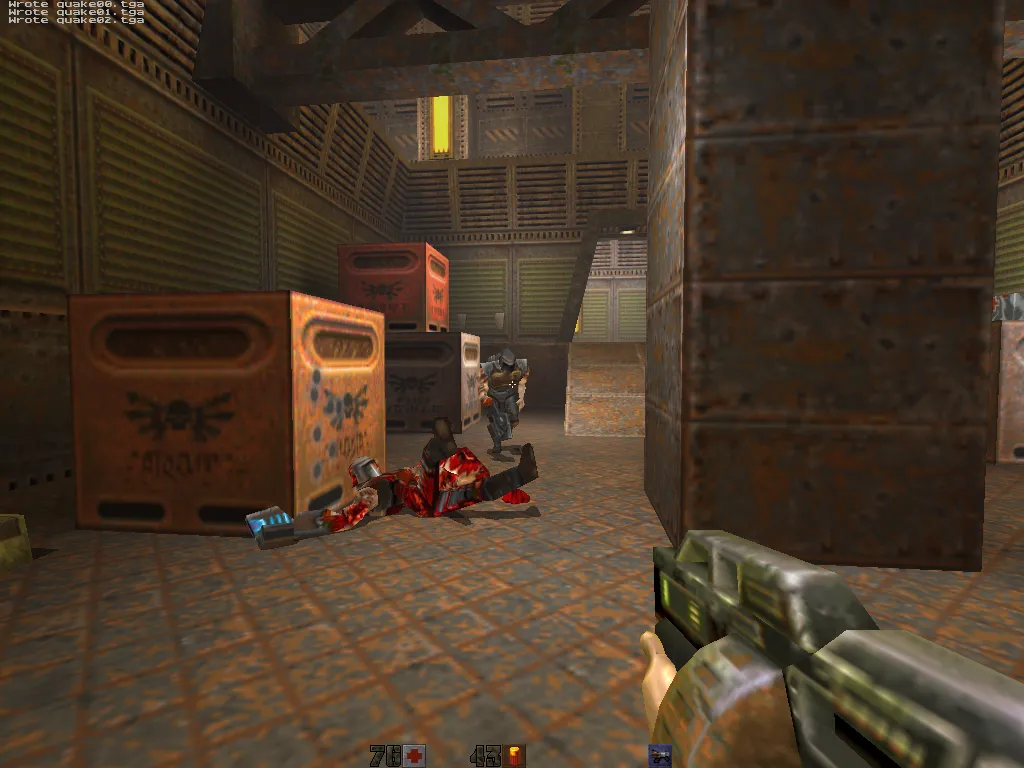
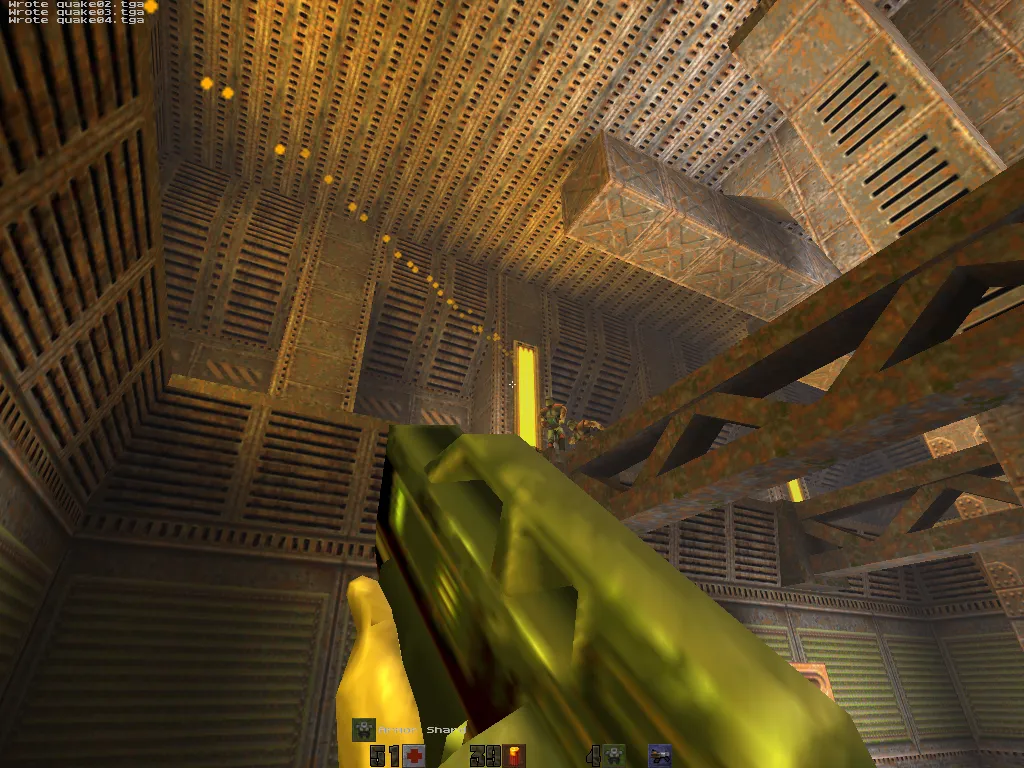
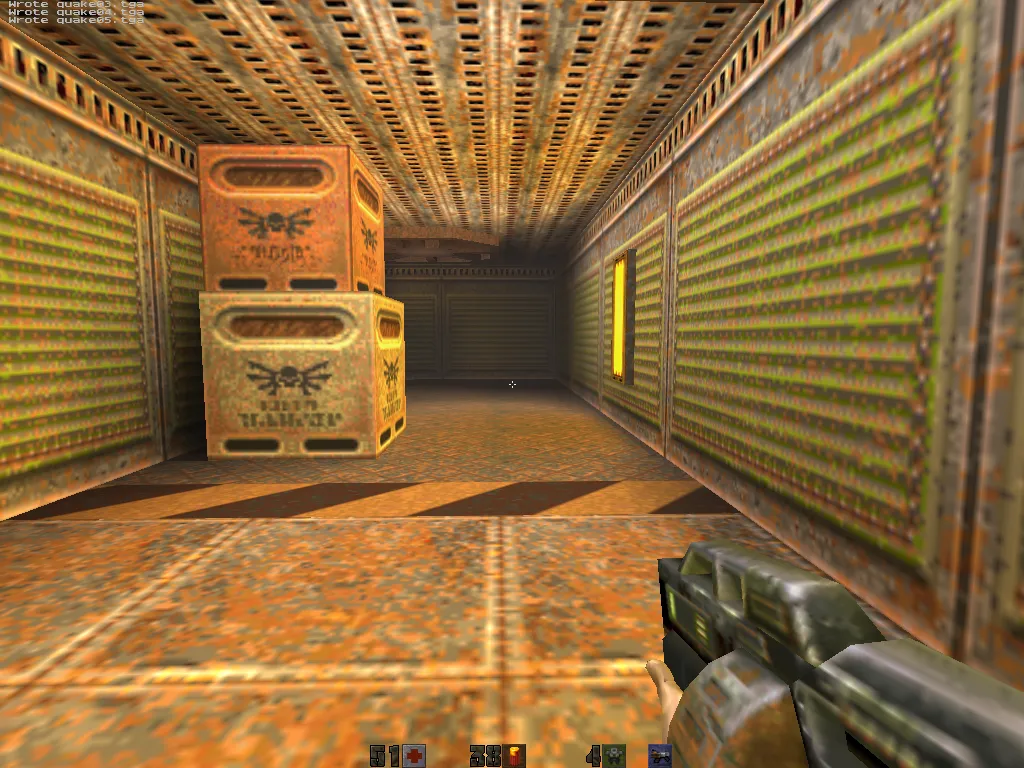
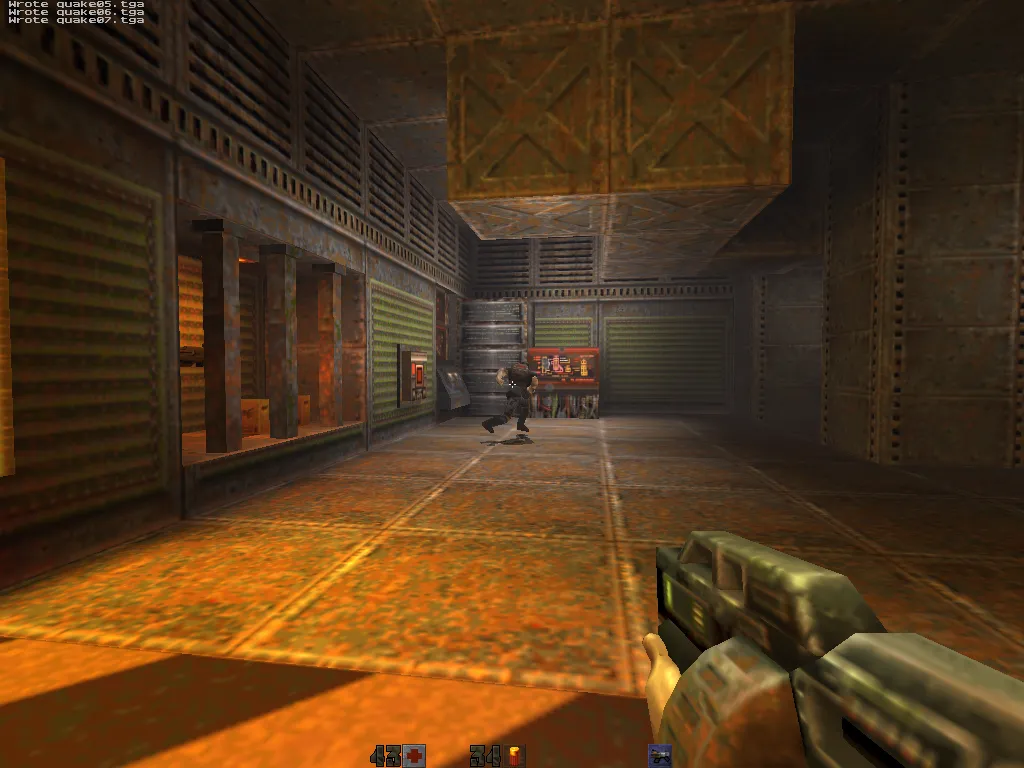
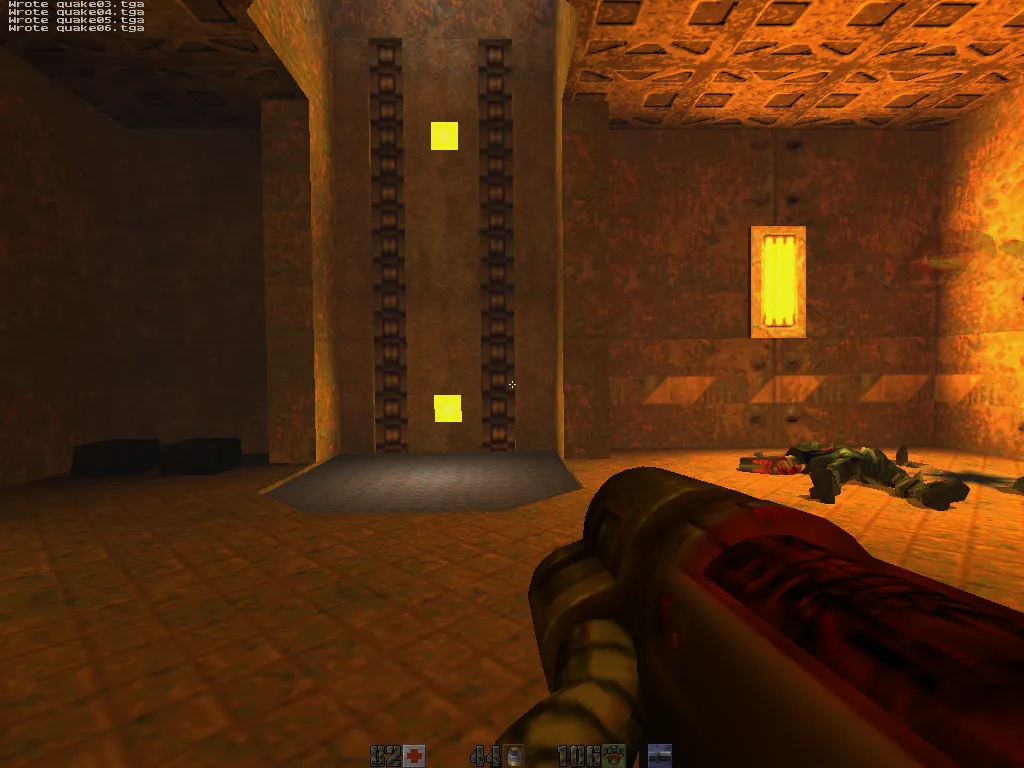
A few more came in the same way after that first pass, all ported from KMQuake2 and yquake2 rather than written from scratch, benched on every machine, and switched off by default until they earned their place. Crisp stencil shadows replace the old squashed blob under each monster with a real projected shadow, now on every PowerPC machine (the Rage 128 keeps the cheaper alias shadow, as it has no stencil buffer to spare). There's also a sphere-map glow on powered-up shells, lightmapped glass and grates, animated water caustics, and per-weapon blast marks, so a rocket, grenade, plasma bolt, BFG or railgun each leaves its own mark on whatever it hits.
How many bullet and blast marks stay on the walls is dialled per machine: 16 on the GeForce2 MX, 32 on the G3 and the two Radeon G4s, 64 on the G5, 128 on both Intel machines. Edge-smoothing (MSAA) is the same idea: off on the oldest chips, 2× on the Radeon PowerPC ones, 8× on the two Intel machines. Both live in each Mac's own config file, so the app itself never changes.
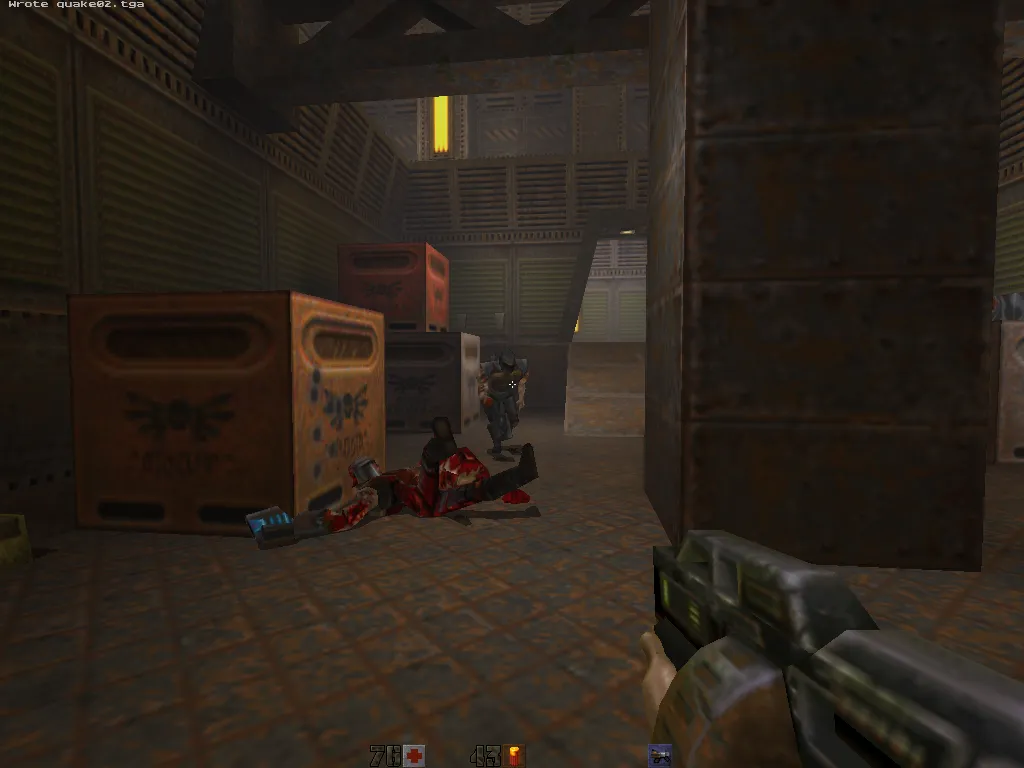
# Screenshots from each machine
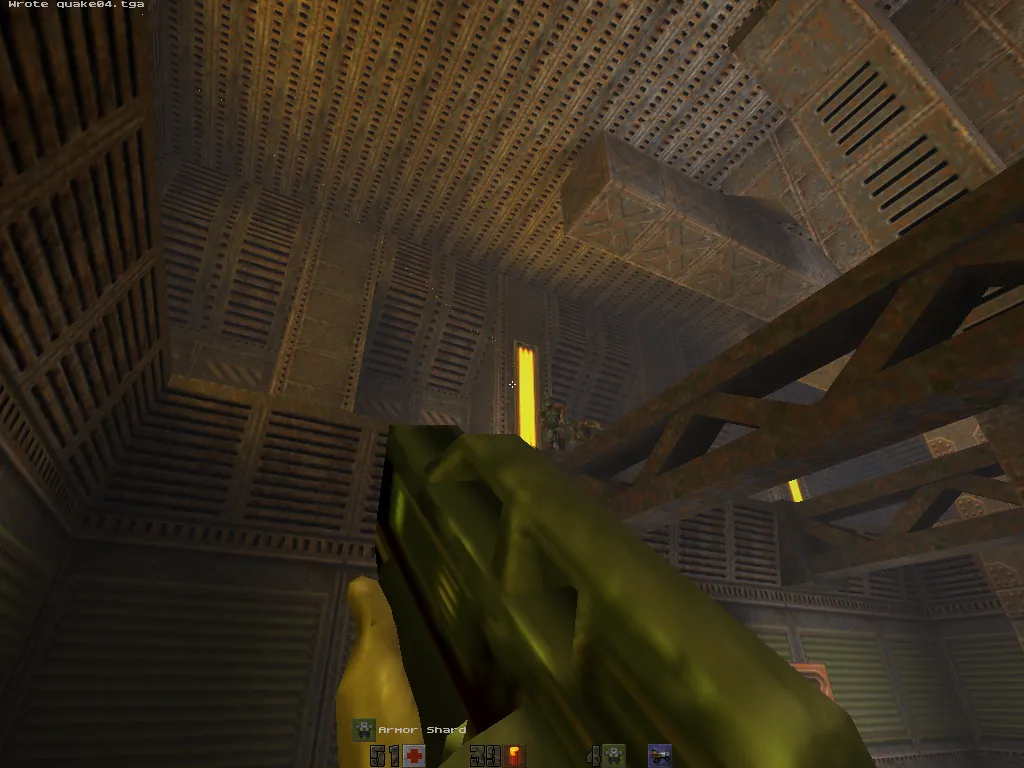
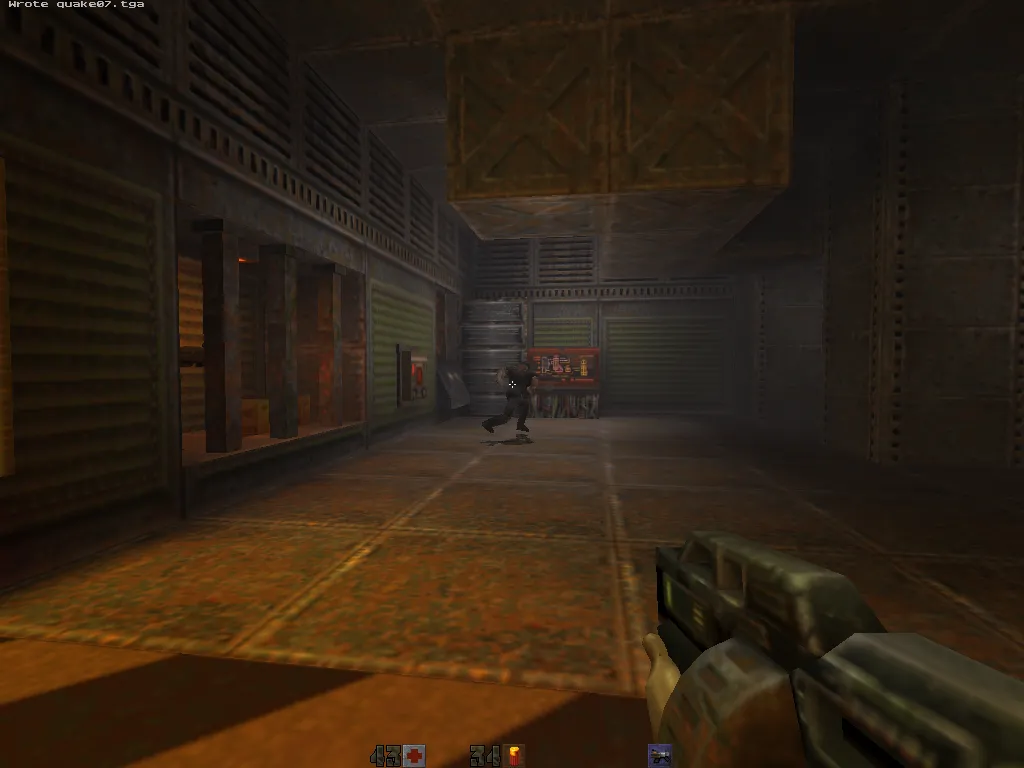
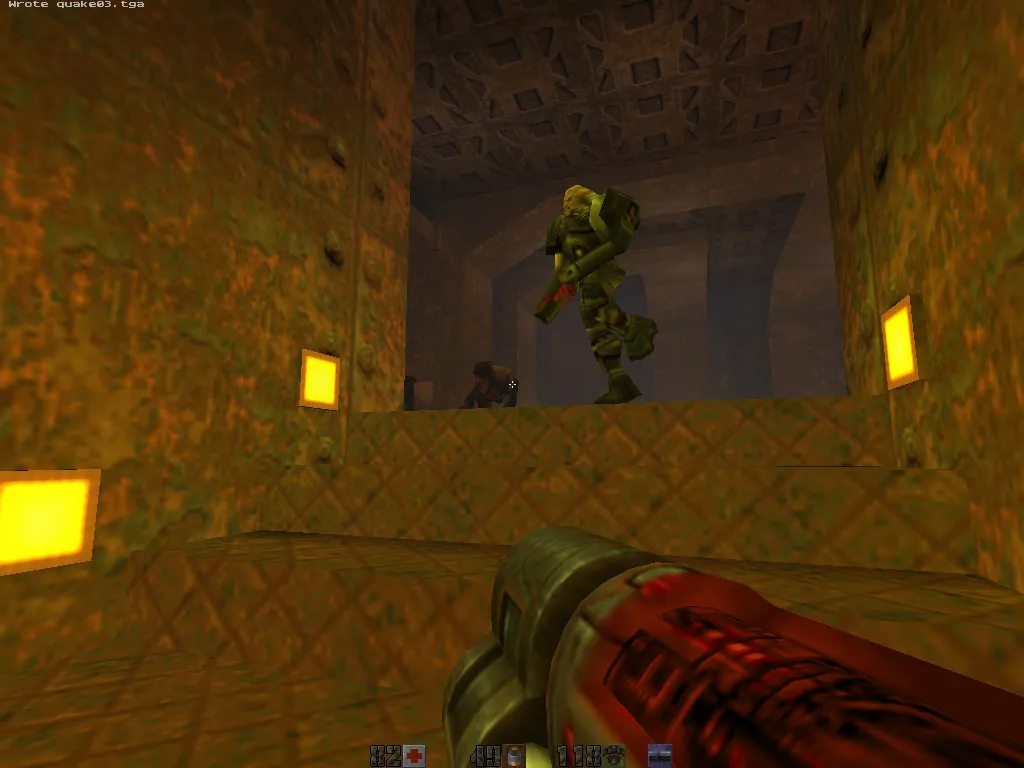
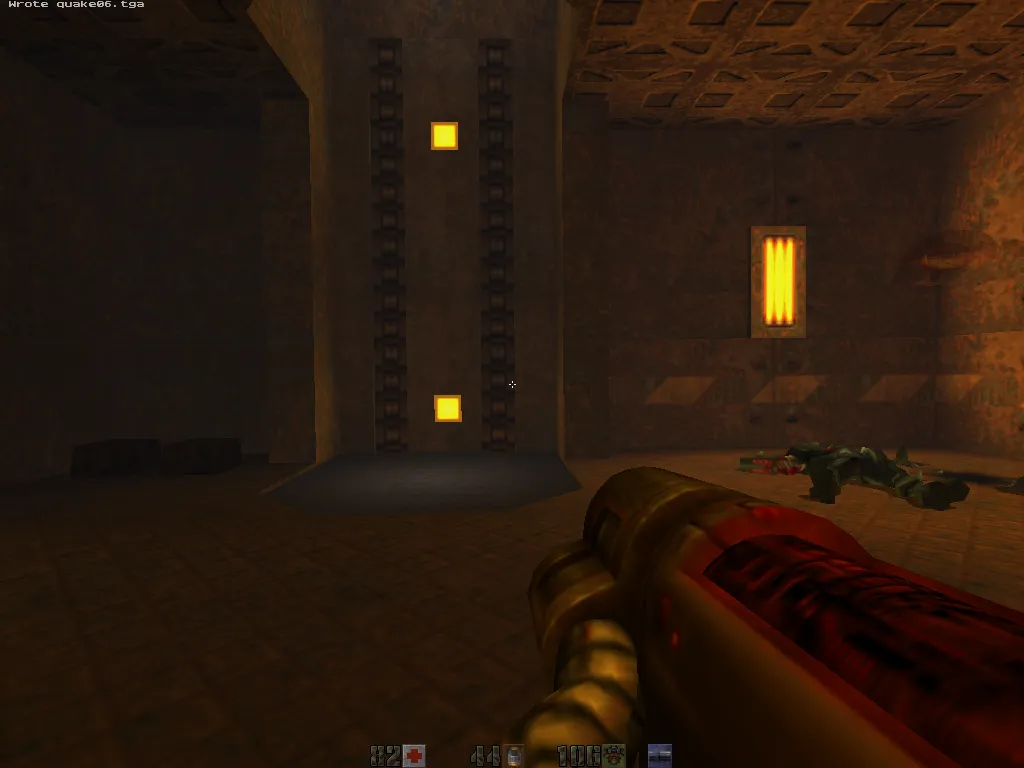
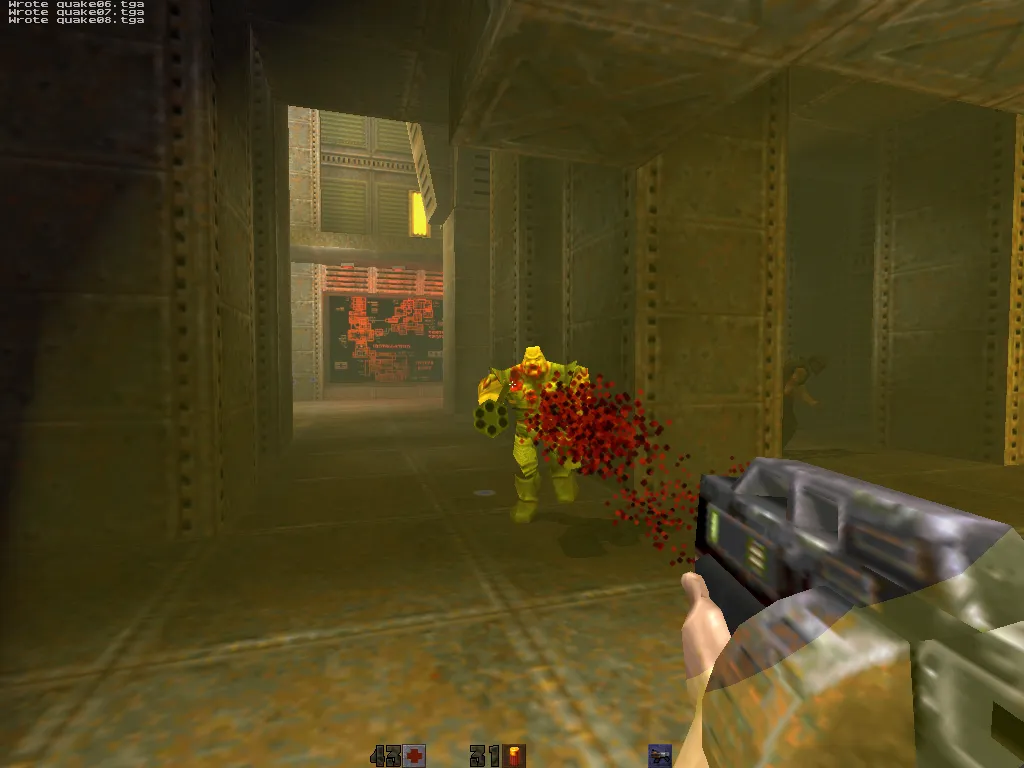
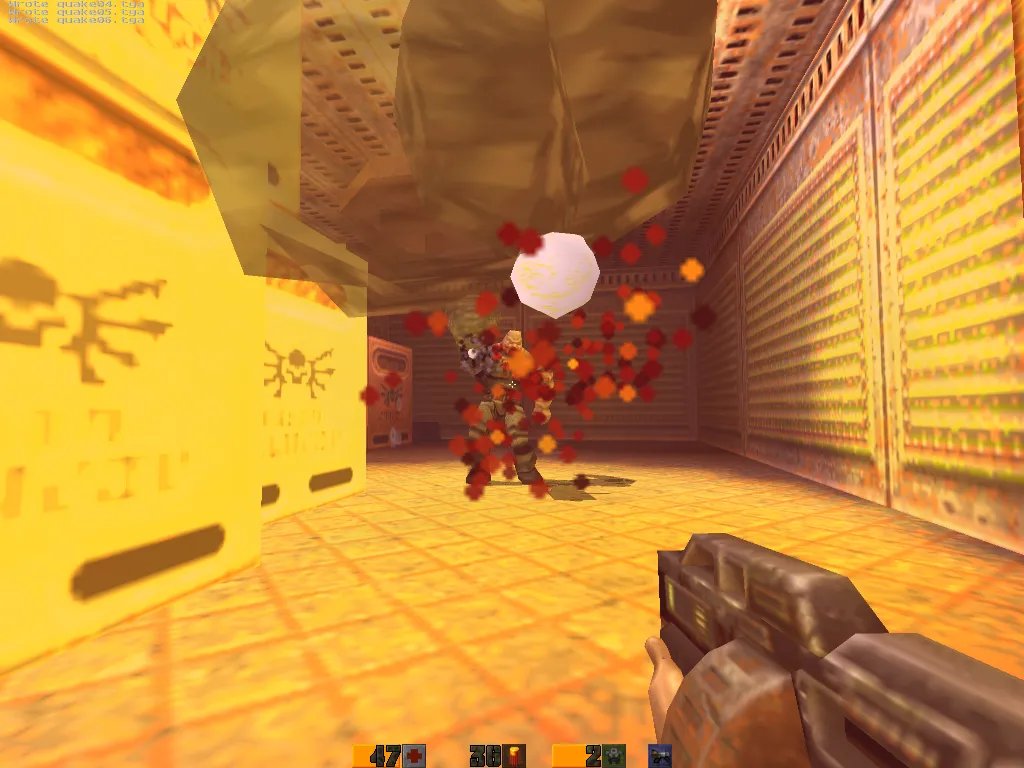
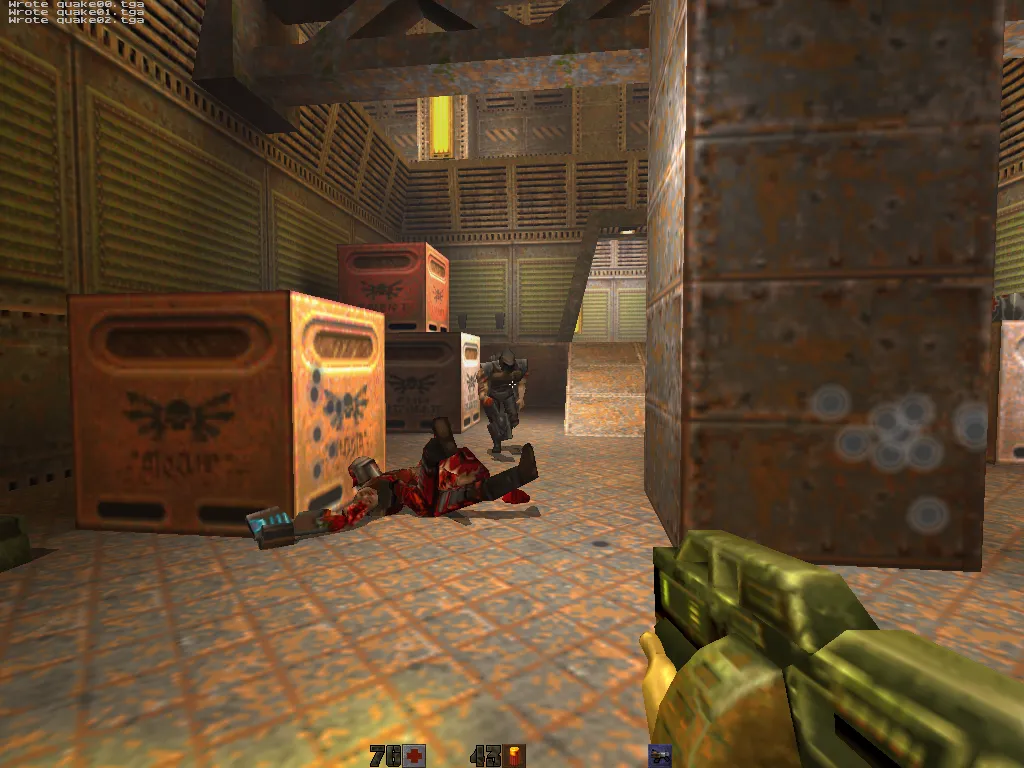
# yosemite, PowerMac G3 B&W, ATI Rage 128, 1999
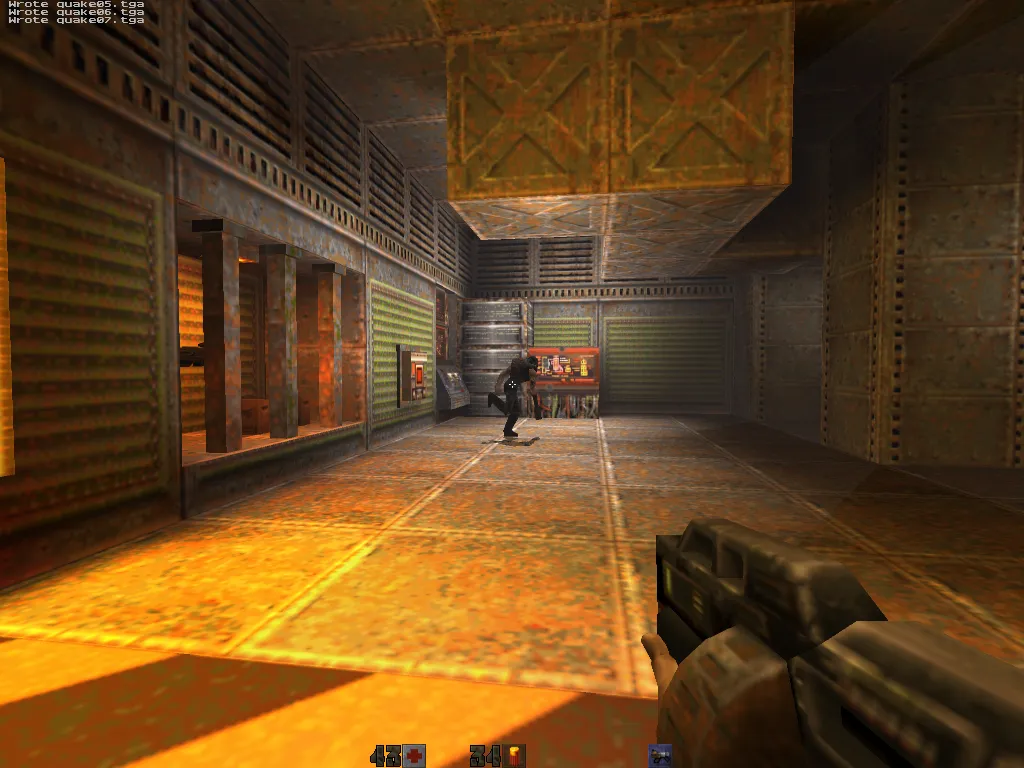
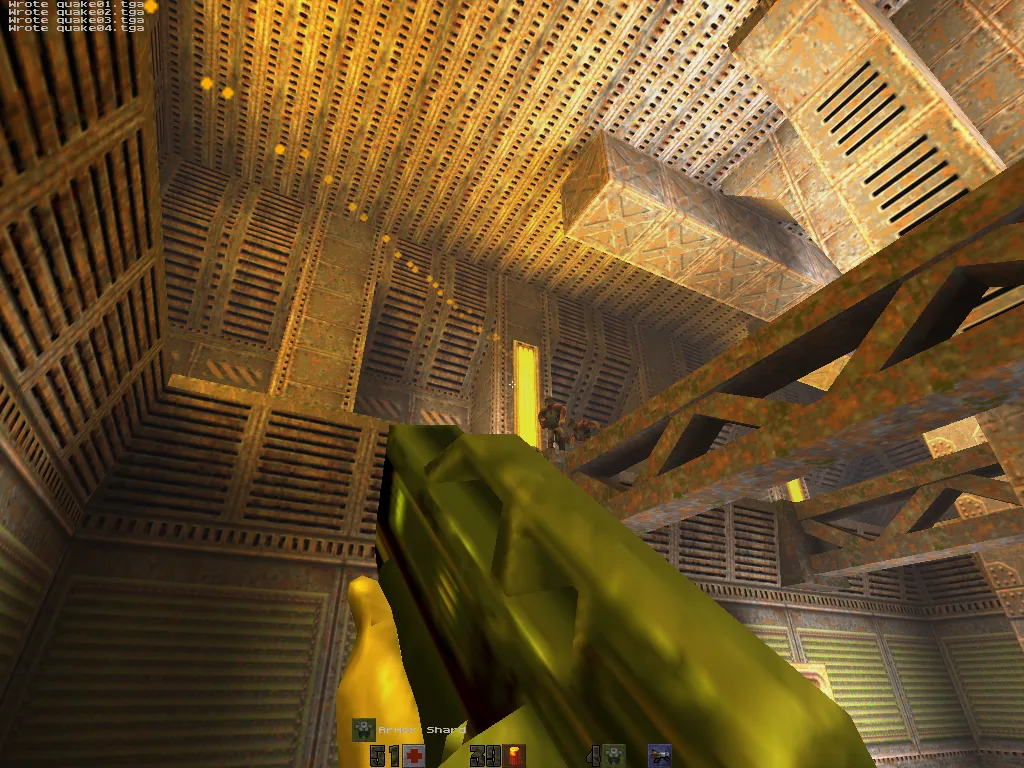
# sawtooth, PowerMac G4 AGP, GeForce2 MX, 1999
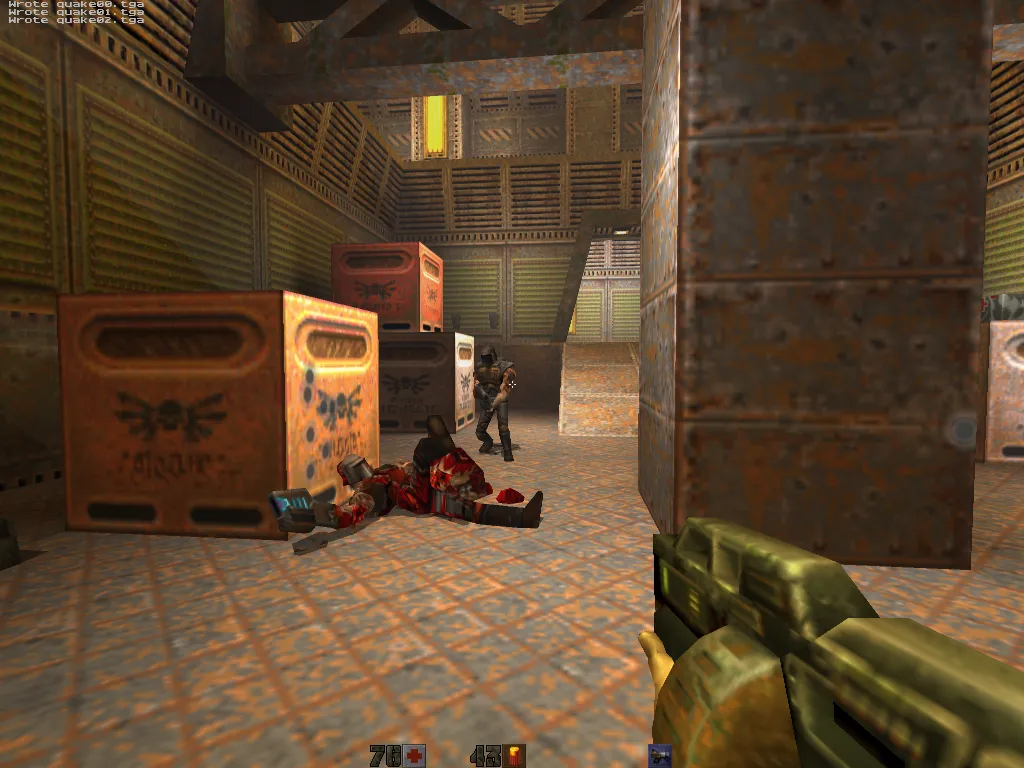
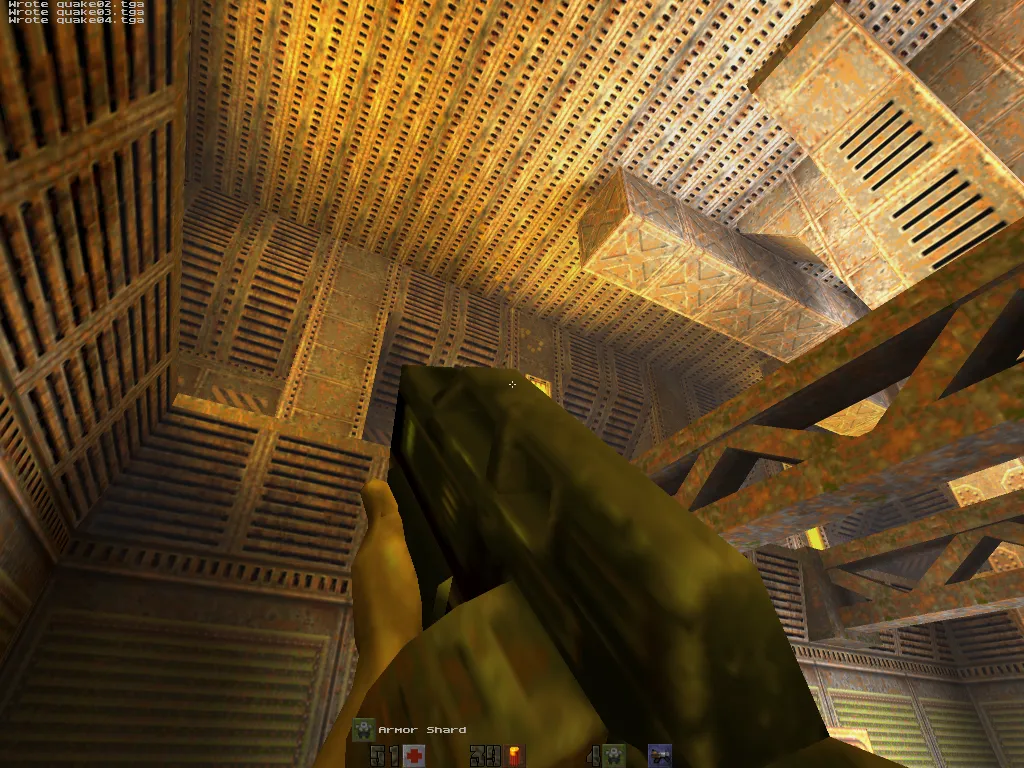
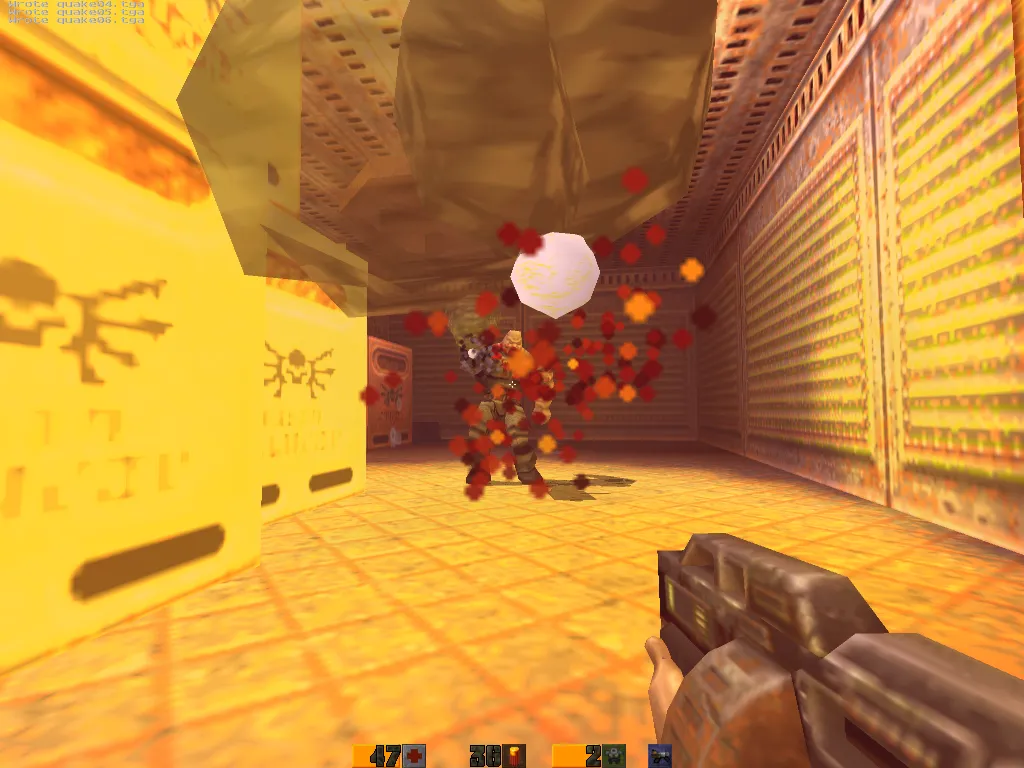
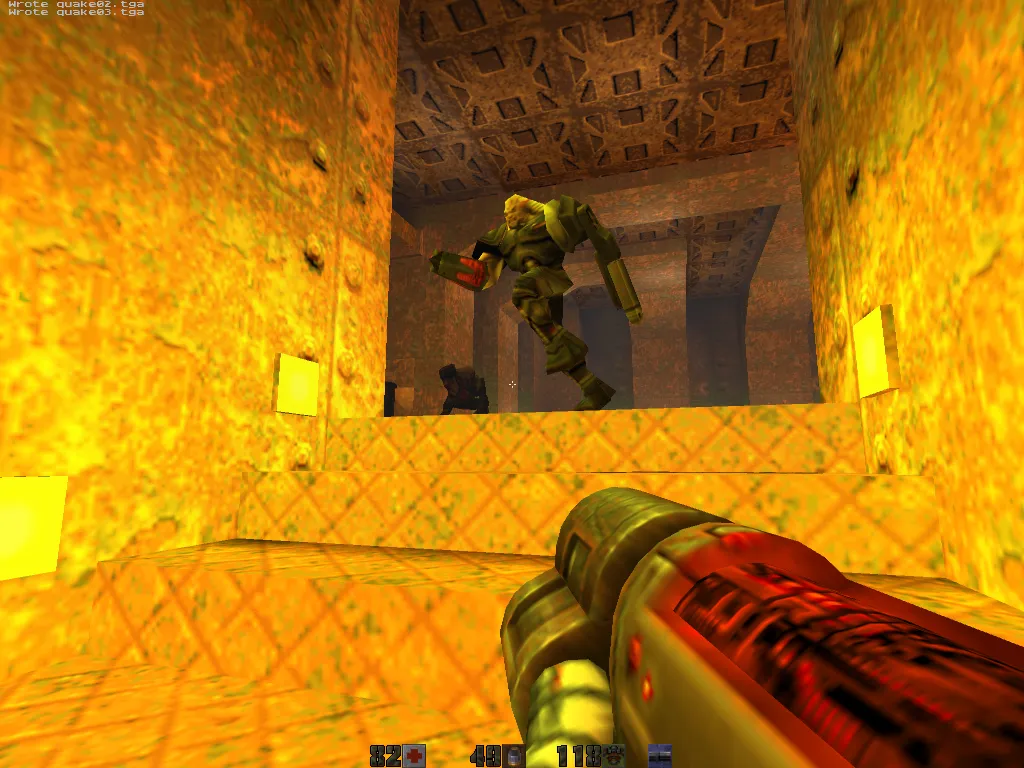
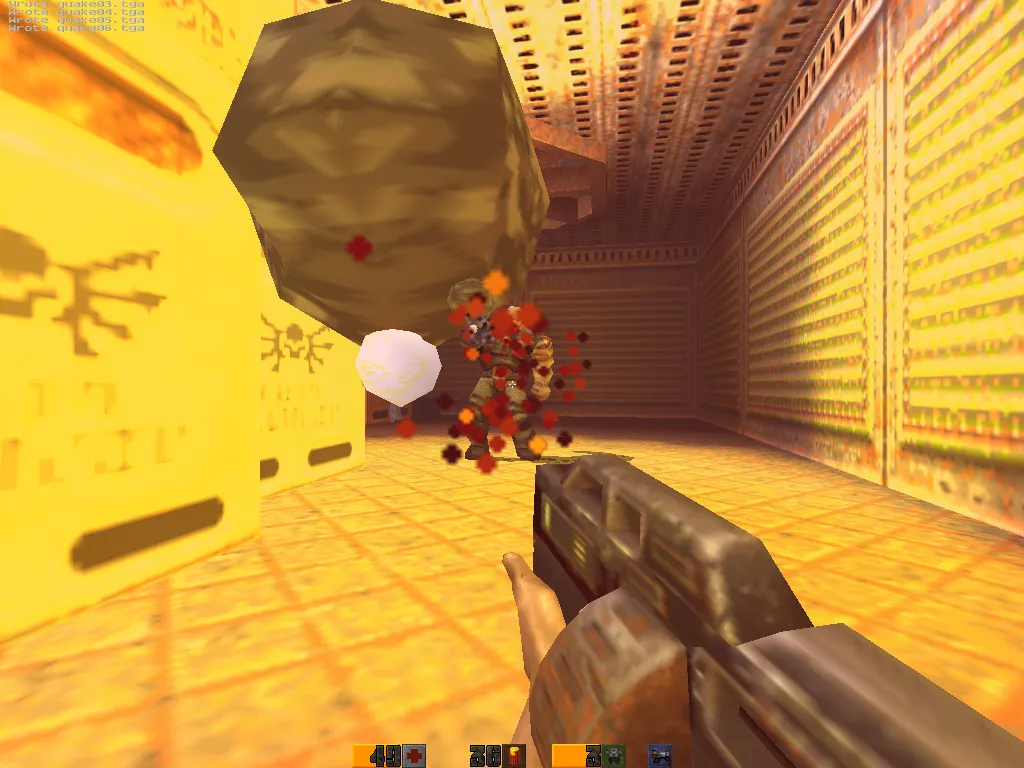
# quicksilver, PowerMac G4 733 MHz, Radeon 9000 Pro, 2001
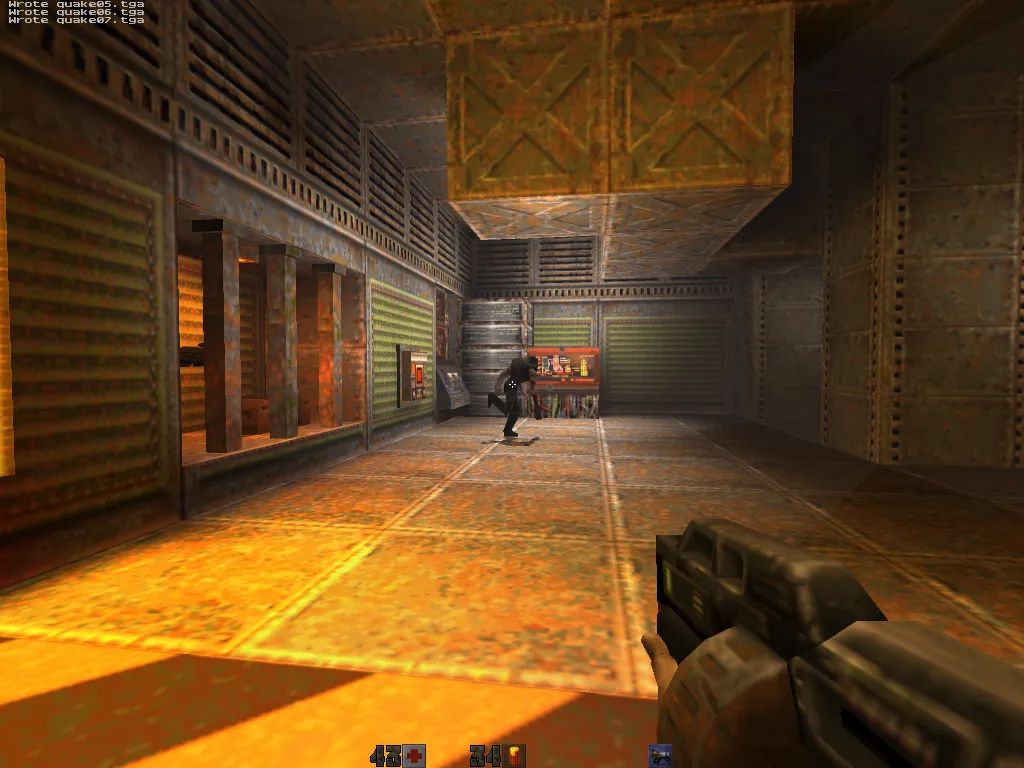
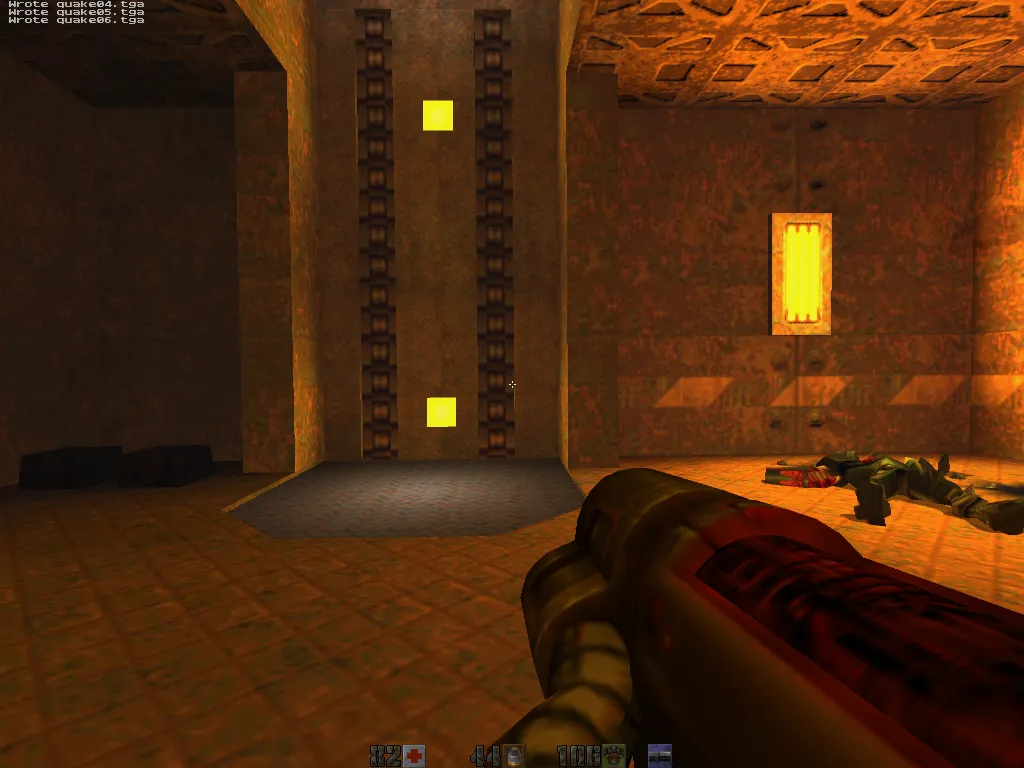
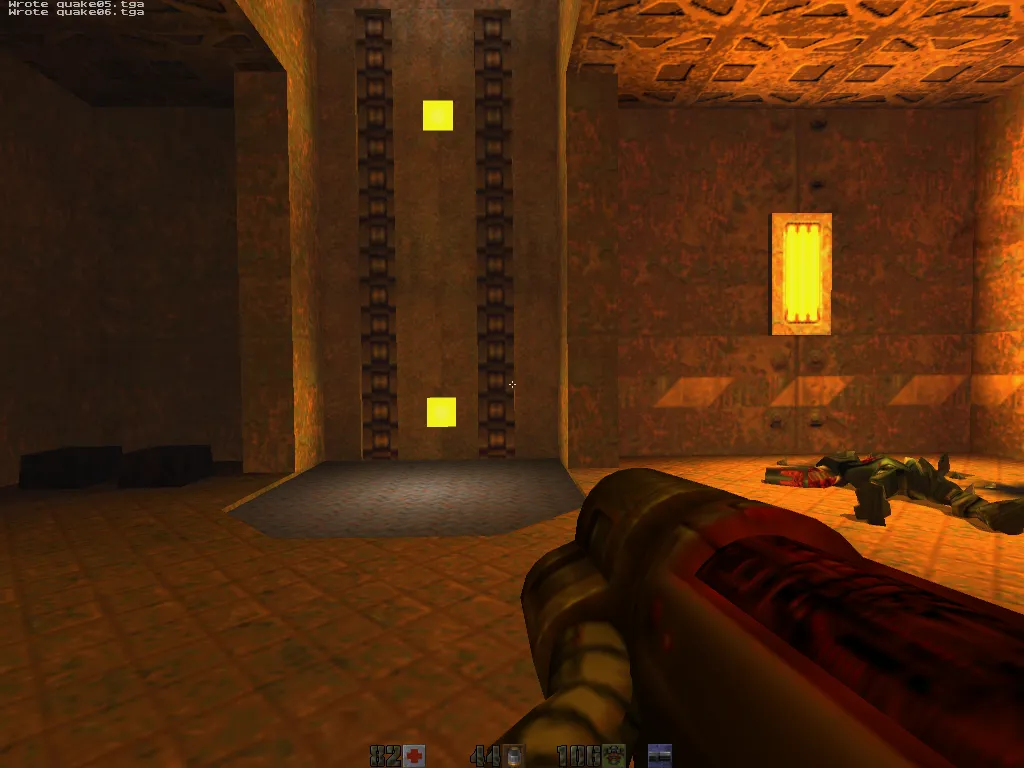
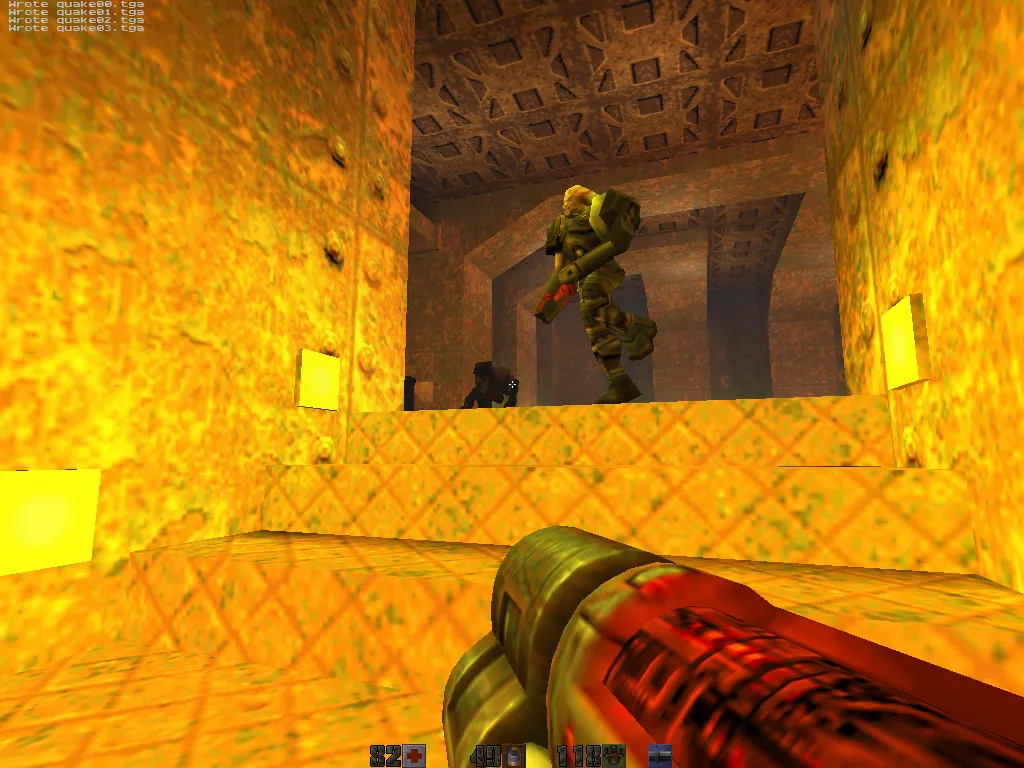
# mini-g4, Mac mini G4 1.25 GHz, Radeon 9200, 2005
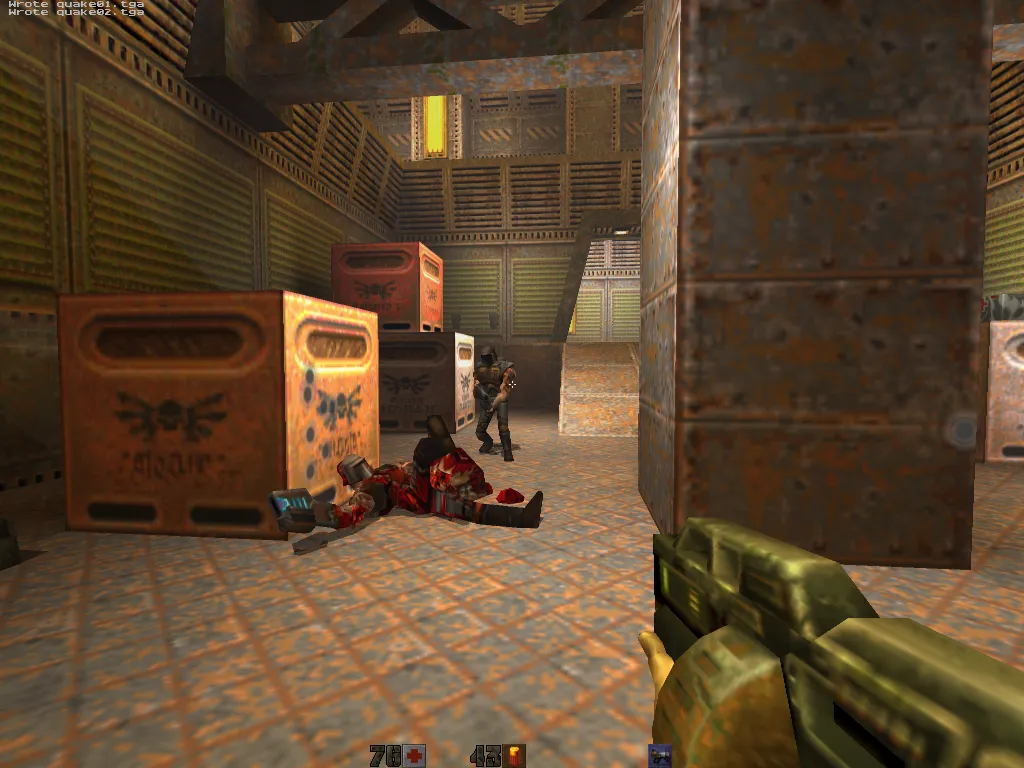
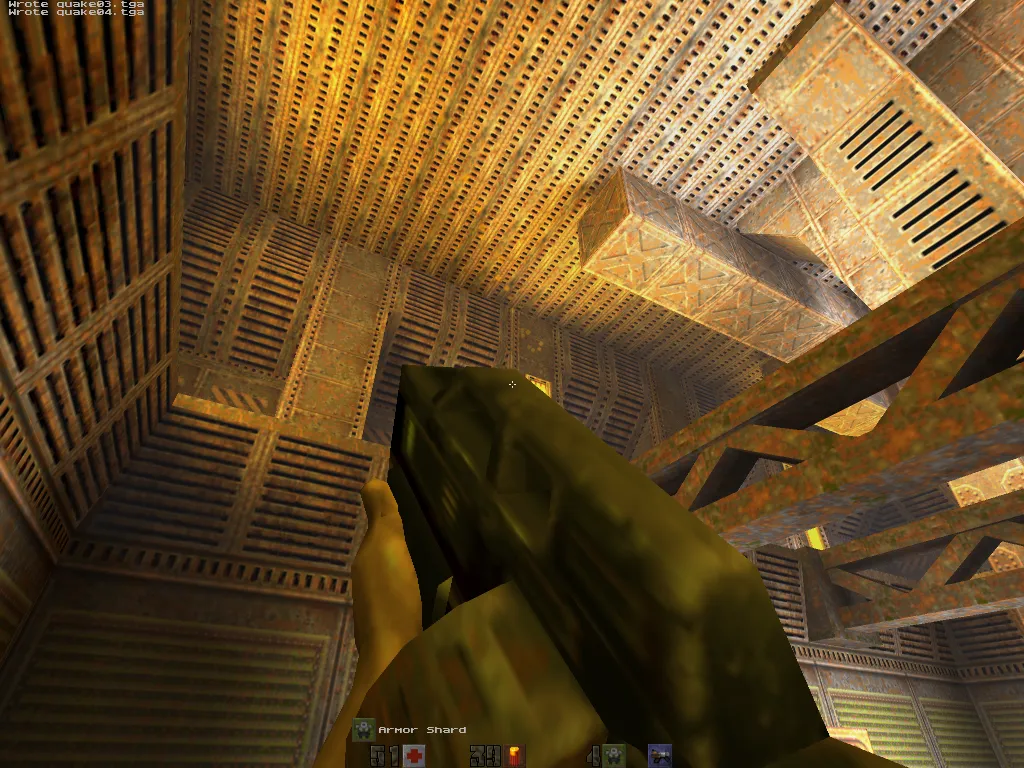
# mini-intel, Mac mini Core 2 Duo, GMA 950, Lion, 2007
# Claude Code setup
CLAUDE.md holds the things Claude needs to remember between sessions: the list of machines, the compiler settings for each chip, and the rule that every new visual feature ships switched off by default and gets benched on all seven Macs before it counts. It also points at the QuakeSpasm repo for the build, deploy and bench scripts, since there's no point rewriting those.
PPC_PLAN.md is the roadmap, split into phases: get it building, pull in engine improvements, then port the visual features. MISTAKES.md is a running list of everything I tried and threw away, with the reason why. NEXT_ROUND_PLAN.md is the to-do list for later: more shadows, glow effects, more AltiVec work, brightness controls.
The QuakeSpasm project had a custom Claude Code skill and a couple of slash commands wrapping its scripts. For Quake II I skipped those and let Claude call the scripts directly (scripts/bench.sh, scripts/deploy.sh, scripts/parallel-bench.sh). Same machines, same ~/.ssh/config, so the bare scripts were enough.
# Get the build
The current release is v2.5.1.
| Disk image | Runs on |
|---|---|
| Quake2-OldMac-v2.5.1.dmg | All seven benched Macs (Panther 10.3.9 → Sequoia 15.7) |
Mount the .dmg and copy Quake2.app, ref_gl.so and a baseq2 folder into one directory, then double-click the app. It doesn't come with the actual game data (the .pak files), so you bring those from your own copy on Steam, GOG, or an old retail CD, along with the players folder from that copy or multiplayer models render invisible. On modern macOS you may need to clear Gatekeeper first with xattr -dr com.apple.quarantine Quake2.app.