ArtfulType is a distraction-free Markdown editor for 68k Macs on System 6 or 7, and it's Sean Malseed's project (Action Retro). Writer mode styles the text and hides the delimiters, Markdown mode shows the raw source, and it saves plain .md files. I forked it to cover more of Markdown in Writer mode, to add printing, Find & Replace and a windowed mode, and to build the bootable disk images on Linux. This post is what changed.
# Writing
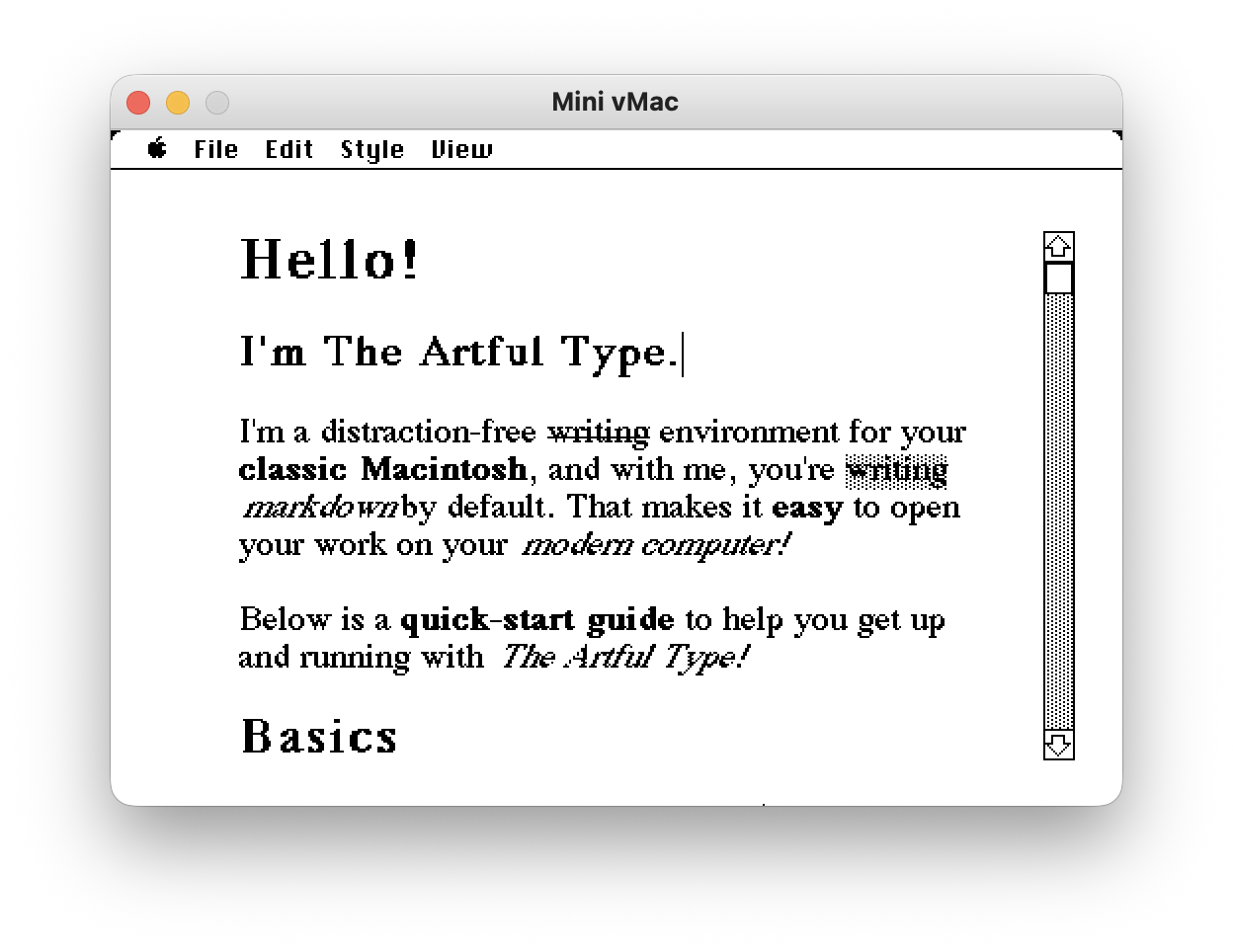
Writer mode styled bold, italic, code, headings and links. Strikethrough was on the Style menu but only inserted the ~~ markers, since classic Mac text styles have no struck face. It's now drawn as struck text, and ==highlight== works the same way, both with shortcuts of their own. Styles can also be combined, so a word can be bold and struck through at once, or a link can be bold, and switching to Markdown mode and back keeps all of it.
It also handles horizontal rules, nested blockquotes, fenced code blocks, bullet and numbered lists with nesting, and task checkboxes. All of it renders as you type, and the file you save is ordinary Markdown that opens anywhere.
Type @today or @time and you get the date or the time. Open a file written on a modern machine and its smart quotes, dashes and line endings are folded to Mac equivalents.
# Printing, finding, and the window
Page Setup and Print now work, either the styled view or the raw source, on System 6 and System 7. Find & Replace and Word Count are on the Edit menu.
There's a Preferences dialog for window mode, view, body font and zoom, and it remembers your settings between launches.
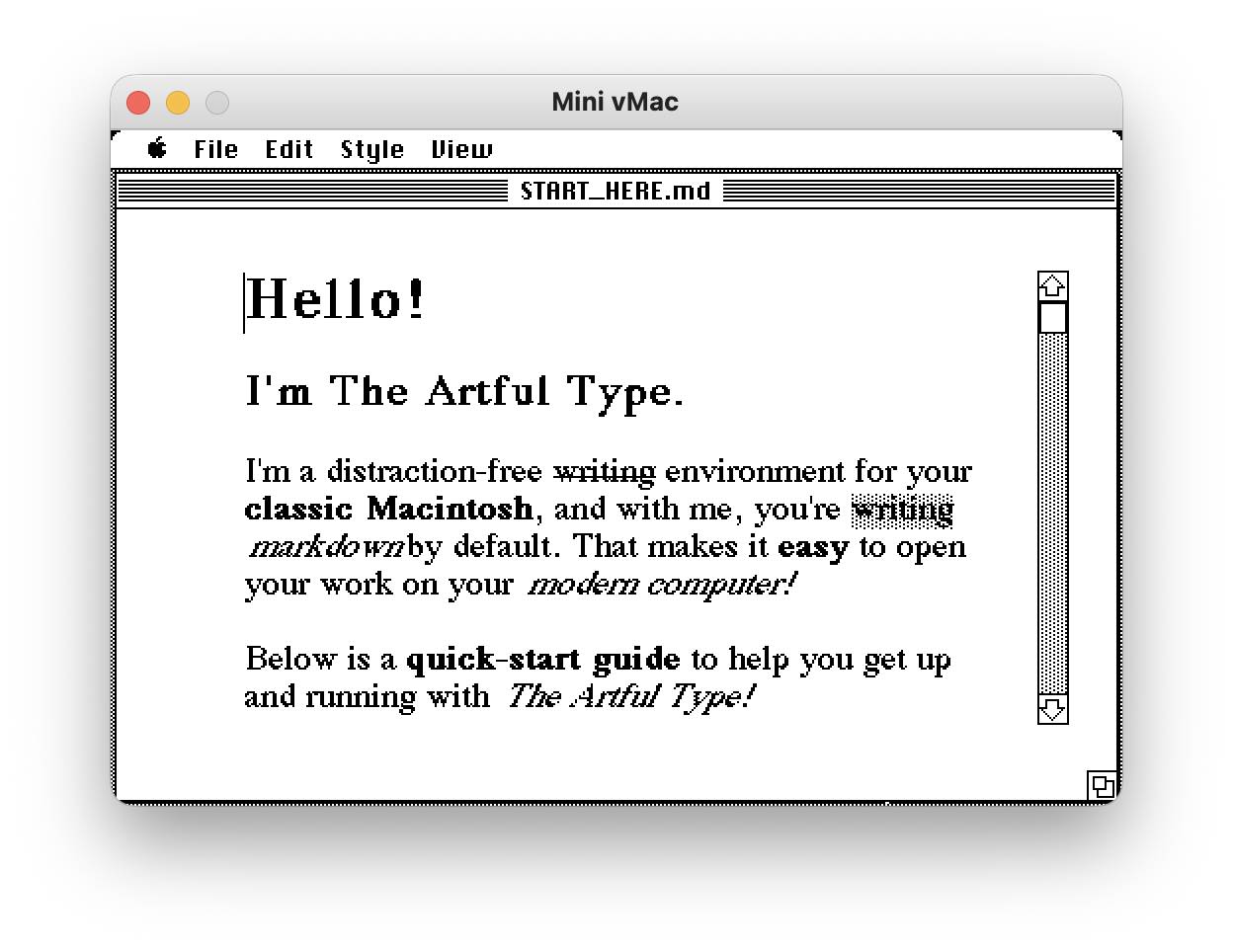
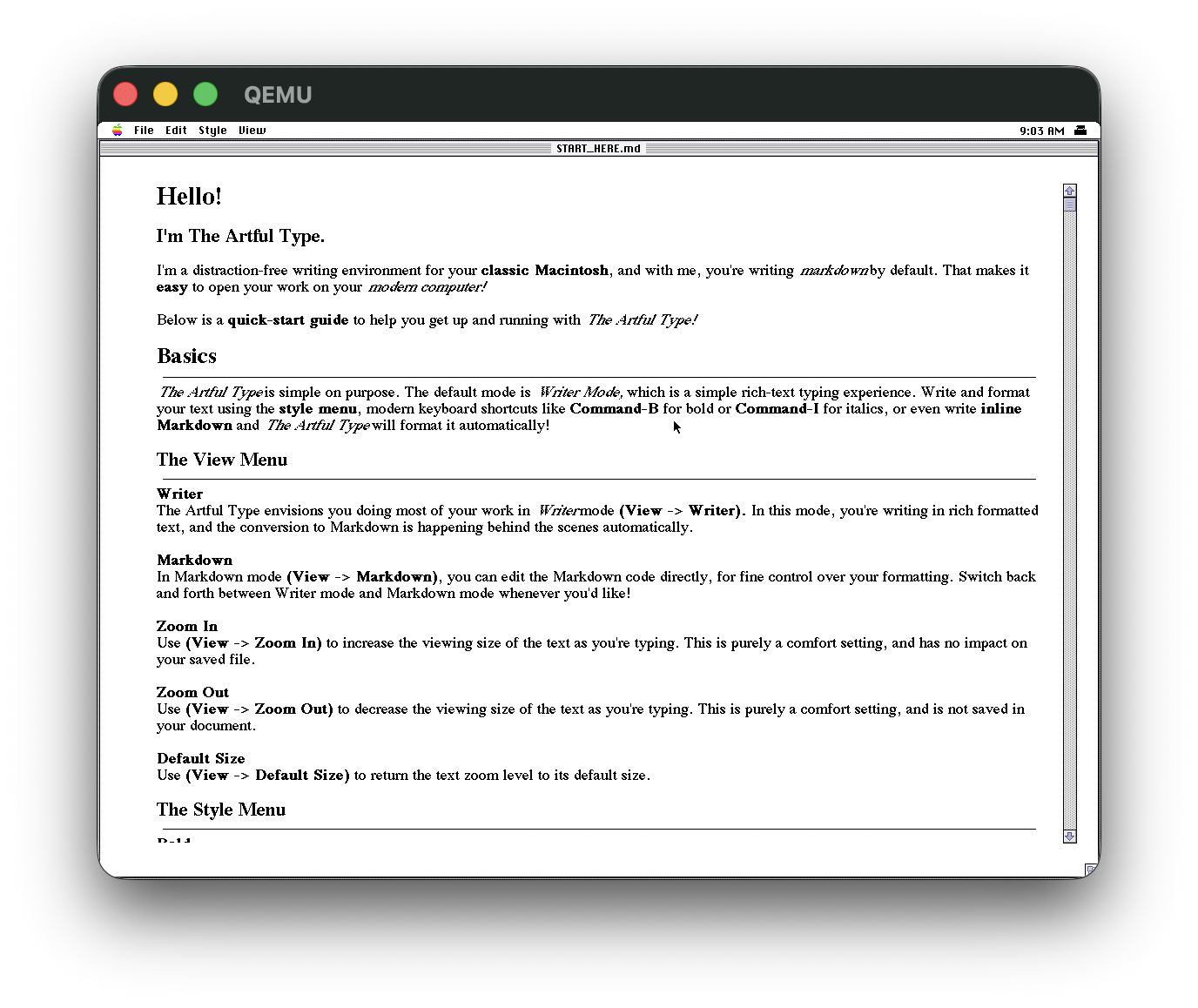
The View menu also has a windowed mode. Mac apps of that era ran in a window with a title bar, close box, scroll bar and grow box, not full screen, so this puts ArtfulType in one, showing the file name in the title bar. The full-screen page is still there if you want it.
# Tests
The Markdown logic now sits in a portable core with unit tests that run on any machine with a C compiler, rather than only being testable by hand on a Mac. CI runs those tests, a 68k build and cppcheck on every push.
# Getting it onto a machine
Each release has bootable disk images, built on Linux with no Mac in the loop. There's an 800K floppy (raw and DiskCopy 4.2), a 20 MB volume for Mini vMac, and a BlueSCSI/PiSCSI .hda. All of them boot into System 6.0.8 with the app already on them, so there's no separate system install.
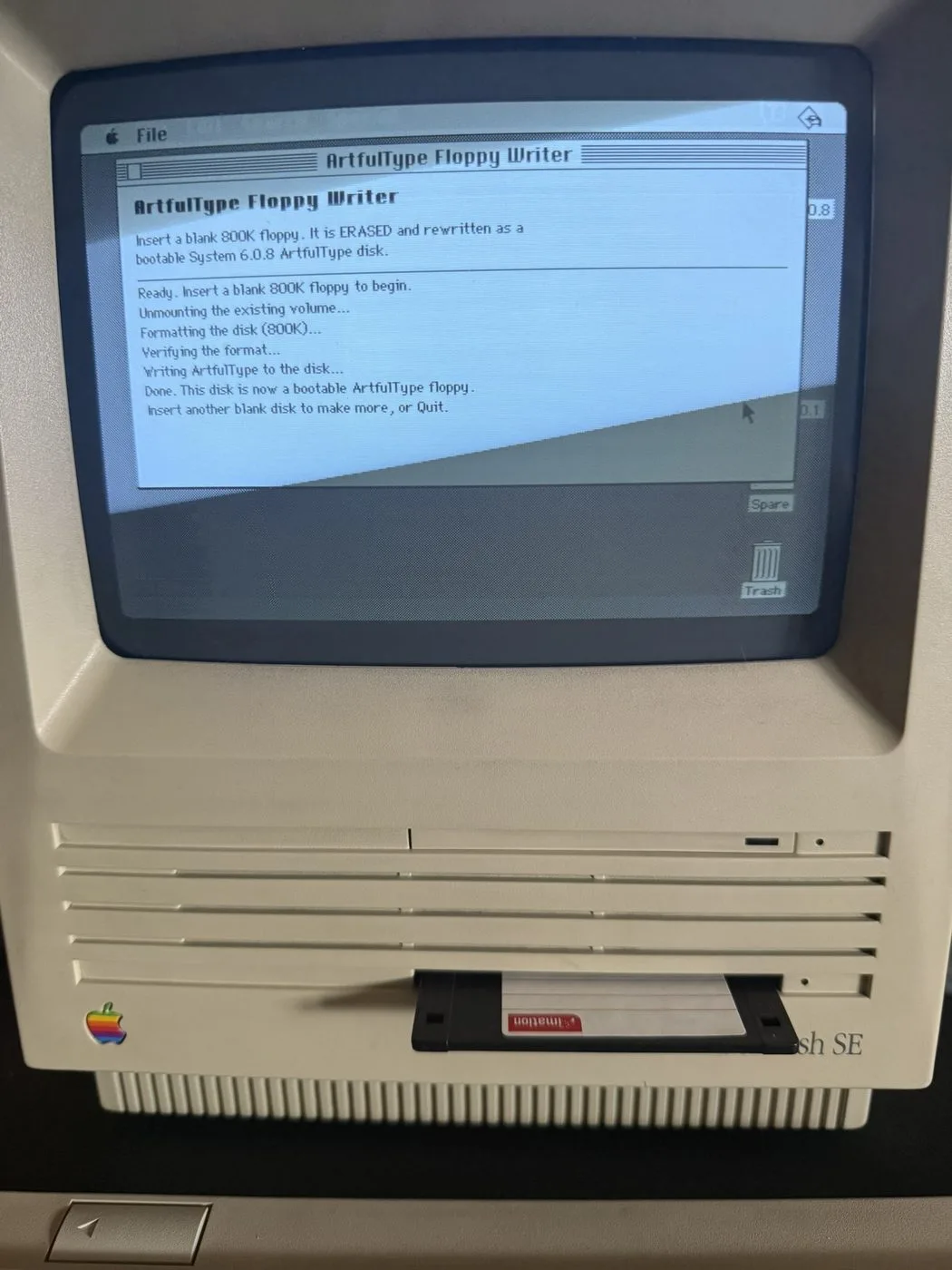
Making a physical floppy from one of those images normally needs a flux writer or a second machine with imaging tools. So there's also a floppy writer app that carries the 800K image inside itself. Send it to the Mac over the network, put in a blank 800K disk, and it formats the disk, writes the image and ejects. Put the disk back in and it boots. It logs each step to its window, so I could run it without watching the screen. System 6 and 800K disks only.
# Tested on
The editor and the floppy writer run on a Mac SE under System 6.0.8. The editor also runs on a Performa 6200 under 7.5.3 and a Performa 6400 under 7.6.1. Printing went to a LaserWriter from System 6 and System 7. The 800K floppy boots on the SE, and the other images are checked in emulation and by verifying the volume structure.
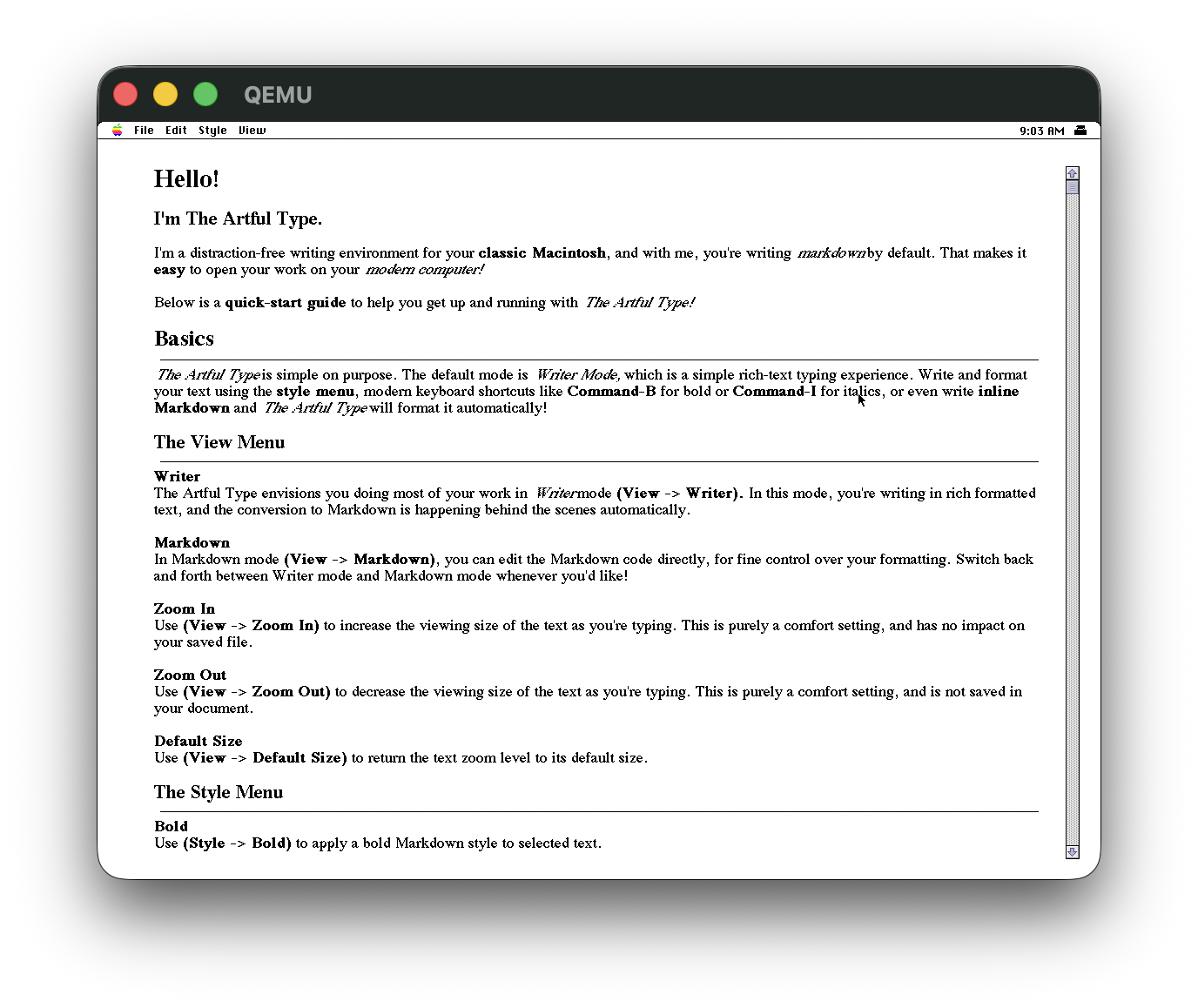
Most of the day-to-day work happens in emulation: Mini vMac for System 6 on a Mac Plus, and System 7.6.1 under QEMU using QemuMac, my toolkit for running classic Mac systems on modern hardware. The two 7.6.1 screenshots above come from that.
My changes were made the same way, with Claude Code under my direction, and checked on the machines above. Disk images are on the releases page, and the project page has how it works inside.