QemuMac
Classic Mac VMs under QEMU, with a shared disk for building and running
QemuMac runs classic Macintosh systems under QEMU on macOS or Ubuntu. It is four Bash scripts: a launcher, a software downloader, a dependency installer, and a tool for getting at the shared disk from the host.
Partly I use it to run old software. Mostly I use it to develop for classic Macs. I build on the host with modern tools, copy the result onto a shared HFS disk, and a few seconds later it is running under real Mac OS. The same disk carries files back out, and moves them between VMs.
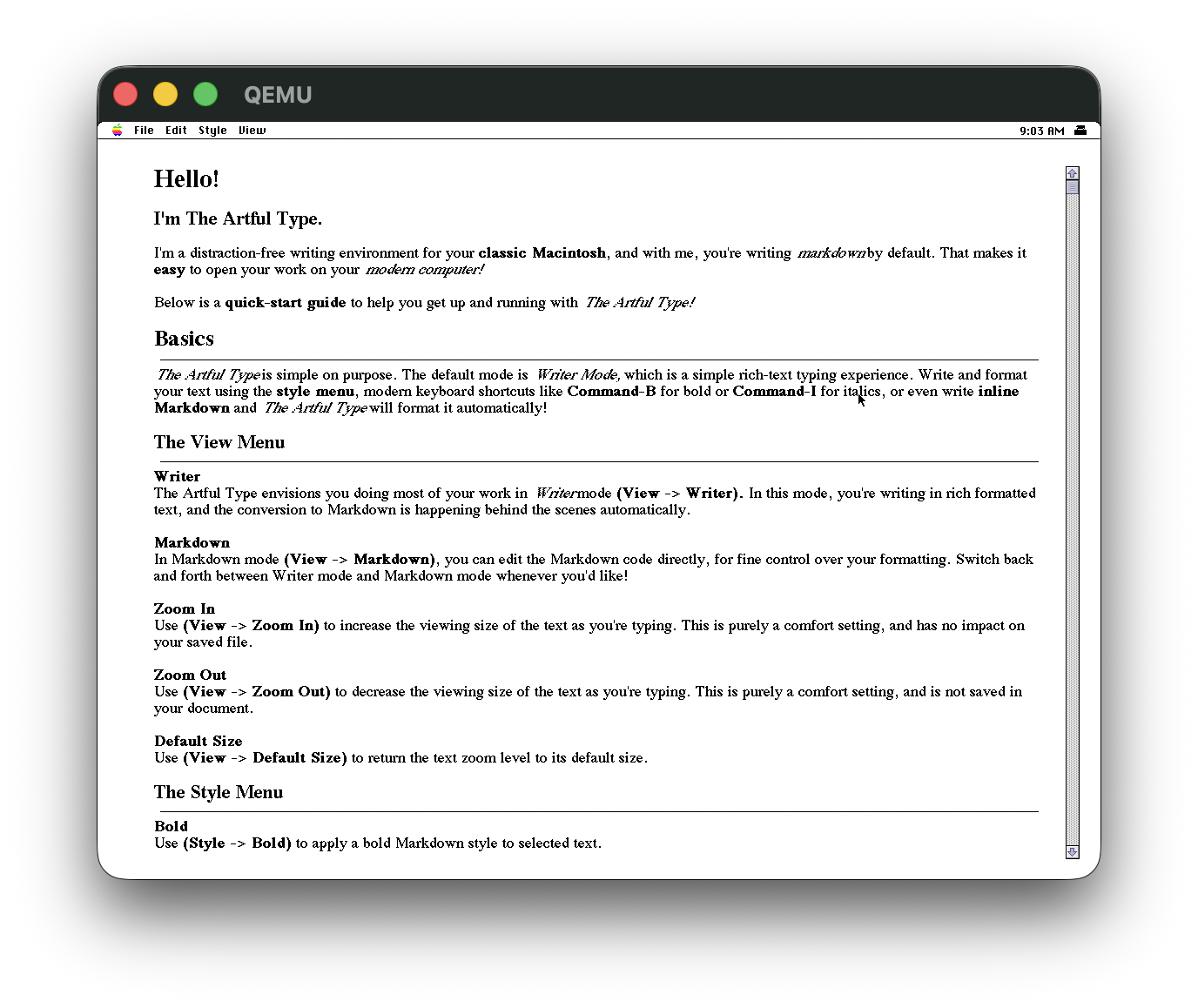
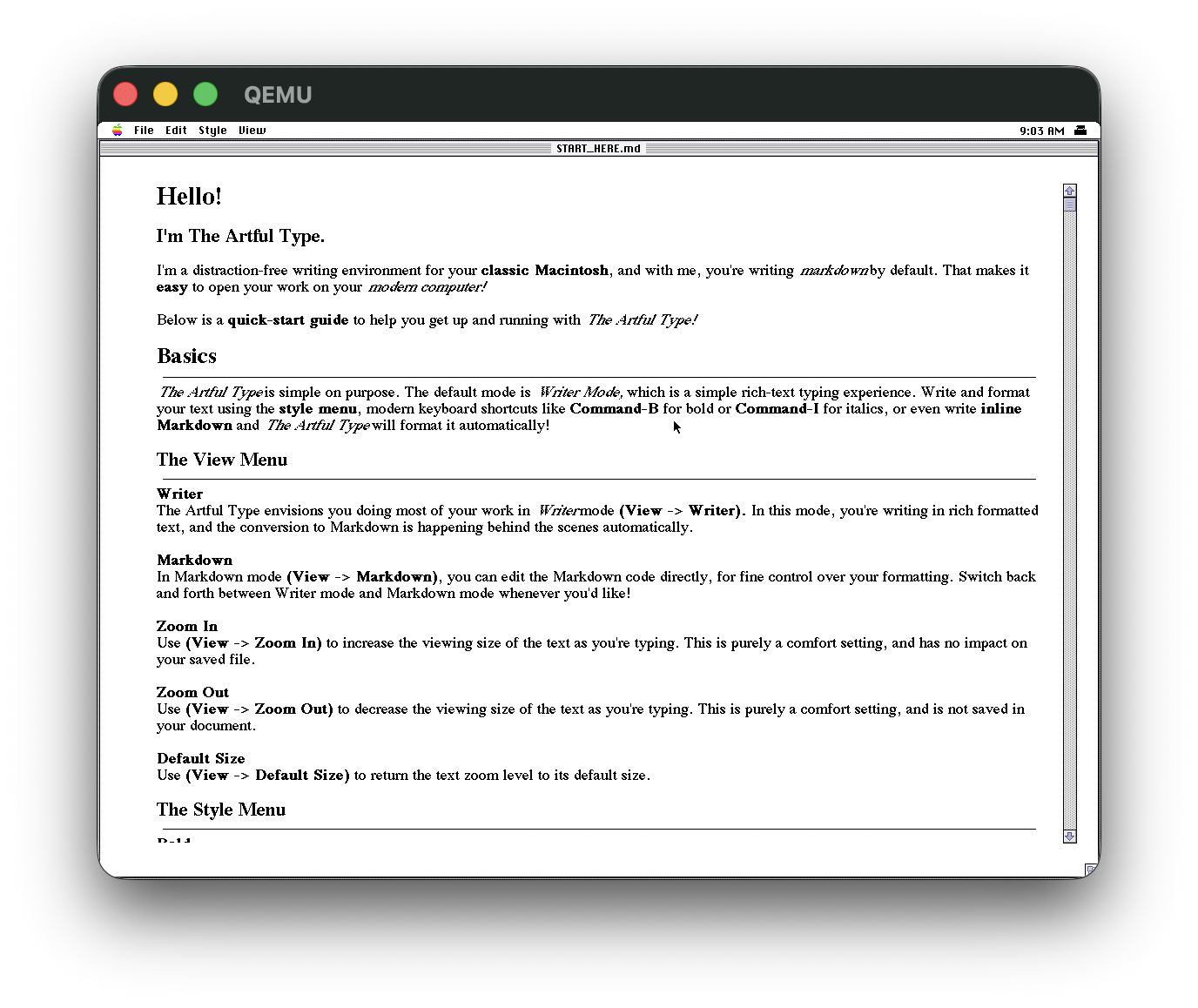
The screenshots below are ArtfulType doing exactly that. The app is built on my Mac, dropped onto the shared disk, and run on System 7.6.1 in the Quadra 800 VM.
# Features
- Five VMs ready to use, covering Mac OS 7.5.3 through Mac OS X 10.5 Leopard
- Shared HFS disk every VM can mount, with host-side locking so only one thing writes at a time
install-deps.shinstalls QEMU either from your package manager or from a source build of the latest stable release- Checksum-verified downloads of installers, ROMs and applications, extendable with your own JSON
- Configurable resolution, colour depth, zoom, full screen and audio backend per VM
- Interactive launcher, or a config file and flags for scripting
- 150 behavioural tests on Ubuntu 24.04, Ubuntu 26.04 and macOS, plus CI jobs that boot real 68k and PPC guests
# Tech Stack
# The VMs
| VM | OS | Architecture |
|---|---|---|
68k_quadra_800 | Mac OS 7.6.1 | m68k |
68k_quadra_800_os753 | Mac OS 7.5.3 | m68k |
power_mac_g4_os9 | Mac OS 9.2.2 | ppc |
power_mac_g4_tiger | Mac OS X 10.4 Tiger | ppc |
power_mac_g4_leopard | Mac OS X 10.5.6 Leopard | ppc |
On first boot each VM downloads its installer and boots from it, then boots from its hard disk after that. ./run-mac.sh --create-config my_mac adds a new one, asking for the architecture, a default installer and a menu description, and giving it a unique MAC address. QEMU 8.2 or later is required, and run-mac.sh refuses to launch on anything older.
# The shared disk
The shared disk is a raw HFS image, 512 MB by default, offered to every VM. Format it once from inside a VM with Erase Disk and it appears on the desktop from then on. On Linux mount-shared.sh gives you a real mount point at /tmp/qemu-shared. macOS has no HFS write support in the kernel, so there it uses hfsutils and you copy with hcopy.
Only one thing can write to it at a time. HFS has no shared-write support, so mount-shared.sh refuses to mount a disk a VM already has open, and run-mac.sh starts without the shared disk if something else is holding it.
Classic Mac files have a data fork and a resource fork, and a plain cp or hcopy copies only the data, so applications and anything with custom icons arrive broken. They need to go across as a single-fork archive: .sit, .hqx, MacBinary or a disk image, unpacked inside the guest with StuffIt Expander. Text, source and JPEGs copy fine as they are.
# Downloading software
iso-downloader.sh fetches installers, ROMs and applications from a curated database and checks each one against a recorded md5. Entries can be marked for delivery straight onto the shared disk rather than the ISO folder. Your own sources go in iso/custom-software.json, which is merged over the defaults so an upstream change does not overwrite them.
# Storage and booting
| m68k (Quadra 800) | PPC (PowerMac G4) | |
|---|---|---|
| Bus | SCSI, ID 7 is the host adapter | IDE |
| Hard disk | ID 6 | ide.0/0 |
| CD-ROM | ID 3 | ide.0/1 |
| Shared disk | ID 4 | ide.1/0 |
| ROM | roms/800.ROM, downloaded on first run | none, OpenBIOS is built in |
| Boot device | a SCSI RefNum patched into the PRAM file | bootindex passed to QEMU |
# Display and audio
QEMU on macOS renders one guest pixel per physical pixel, so on a Retina screen 1152x870 lands in a window about half that size. DISPLAY_ZOOM is on by default, which makes the window resizable and scales the guest to fill it. On Linux the SDL window already does this.
The Quadra's framebuffer only accepts a fixed set of modes: 640x480 and 800x600 at depths 1, 2, 4, 8 and 24, and 1152x870 at 1, 2, 4 and 8. Dropping to 800x600x24 gives a physically bigger Mac OS interface and millions of colours instead of 256. PPC guests can change resolution themselves once booted.
QEMU defaults to ALSA on Linux, and on a machine with no sound card the Quadra's Apple Sound Chip fails to initialise and QEMU segfaults. So the backend is always named explicitly: CoreAudio on macOS, PulseAudio or a real ALSA card on Linux, and no sound at all if neither is there. AUDIO_BACKEND overrides that.
# Tests
The suite asserts on behaviour rather than on the text of the scripts. It puts a stub qemu-system-* on PATH that prints its own argv, runs the real run-mac.sh, and checks the command line that comes out. 150 tests across 27 suites, no network needed, and it runs on Ubuntu 24.04, Ubuntu 26.04 and macOS on every push.
Stubs only prove the launcher builds the right command, so four more scripts use real QEMU:
- Install QEMU with apt, boot a 68k and a PPC guest through the launcher under xvfb, and confirm a guest executes and draws to the framebuffer
- Format, mount and deliver a file onto a real HFS+ volume through a loop mount
- Install through Homebrew on macOS and check the framebuffer modes and QEMU features against the resulting build
- Build QEMU from source and launch with it, weekly rather than on every push, since it takes tens of minutes
Everything is bash 3.2 compatible, because that is what macOS ships as /bin/bash, and ShellCheck clean at -S warning with no blanket excludes.