KeeperFX for Apple Silicon
A personal fork of KeeperFX, the open-source Dungeon Keeper remake, that builds and runs natively on Apple Silicon. Temporary: upstream is working on its own macOS build.

KeeperFX is the open-source Dungeon Keeper remake. This is my fork of it that builds and runs natively on Apple Silicon: a real arm64 Mach-O binary, no Rosetta. Dungeon Keeper was a favourite of mine as a kid and I wanted to play it on the Mac I actually use.
It's unofficial and not endorsed by the upstream team, and it's temporary. Native macOS support is being worked on upstream, and once the official project ships an Apple Silicon build this fork has done its job and I'll stop maintaining it. If you just want to play KeeperFX, use the official project.
Nearly all of the game is upstream's work. I've only touched what was needed to get it building and running on arm64. As with my other game builds, the work was done with AI (Claude Code) under my direction.
# Get the build
| Download | What it is |
|---|---|
| KeeperFX.dmg | Everything for a first install, apart from the original Dungeon Keeper files |
| KeeperFX.app.zip | Just the app, for an existing KeeperFX folder |
| KeeperFX-data-update.zip | KeeperFX's own data, built from the same commit as the app |
It needs an Apple Silicon Mac on macOS 15 or later, and your own copy of Dungeon Keeper or Dungeon Keeper Gold from GOG, EA, Steam or the original CD. I can't ship those files, so the disk image has a small helper that copies the ones KeeperFX needs from your copy. I built and tested against Dungeon Keeper Gold from GOG.
With the disk image: drag the KeeperFX folder somewhere on your Mac, run Add Dungeon Keeper Files.command and point it at your Dungeon Keeper files, then open KeeperFX.app. The READ ME FIRST.txt on the image has the steps.
The app is ad-hoc signed rather than notarized, so macOS blocks it on first launch with "Apple could not verify…". Clear the download flag once with xattr -dr com.apple.quarantine /path/to/the/KeeperFX/folder, or open it and use System Settings → Privacy & Security → Open Anyway.
If you already have a KeeperFX folder, unzip the data update over it and replace the app. The data matters. The engine follows upstream's current code, so the 1.4.0 release data is too old for it (the first main menu button comes up blank, for one). Saves from builds before macos-v1.5.0 won't load, because upstream changed the save format.
The app finds the data next to itself, bundles its own libraries, and runs with no Homebrew installed.
# Screenshots
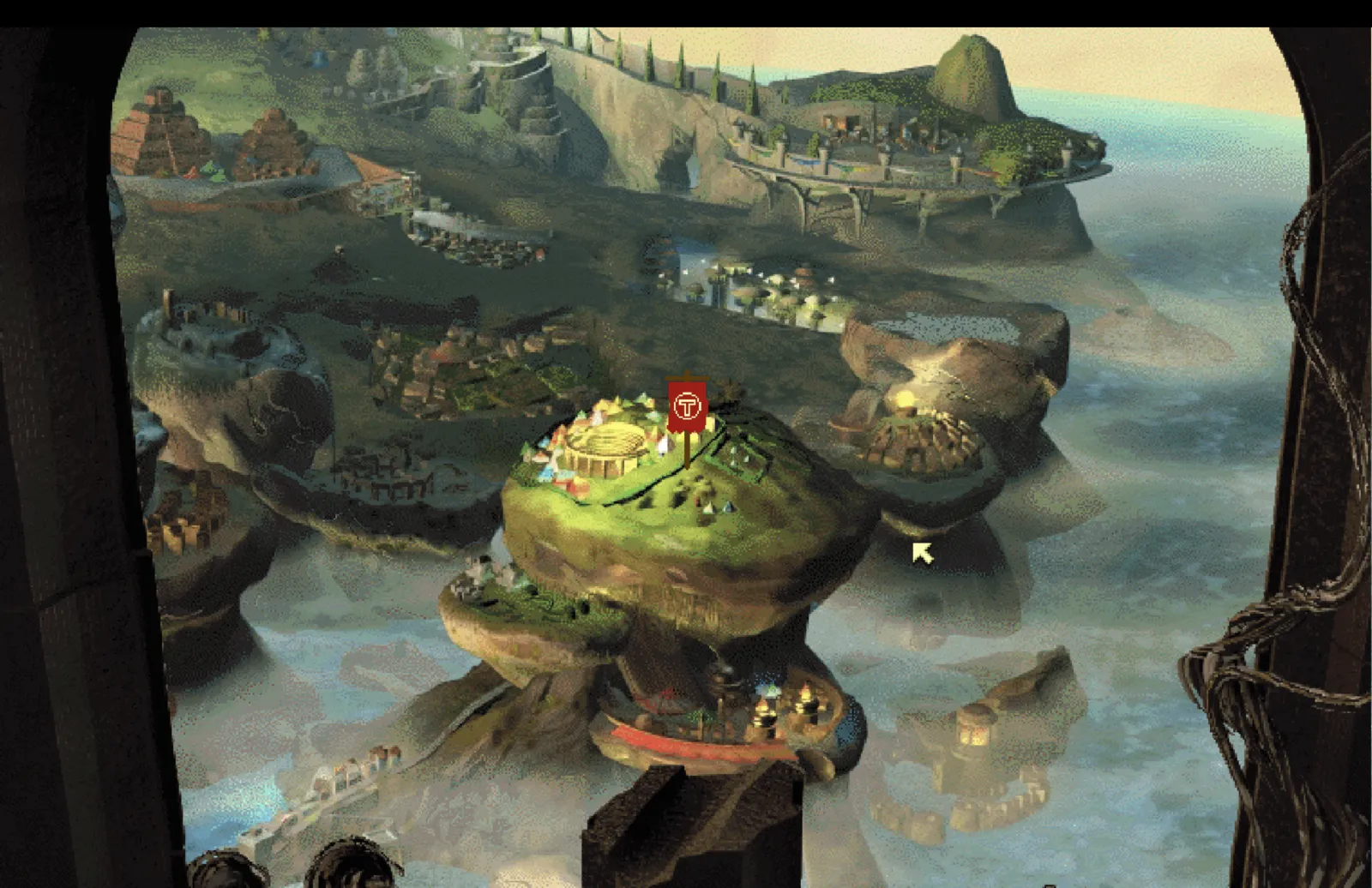
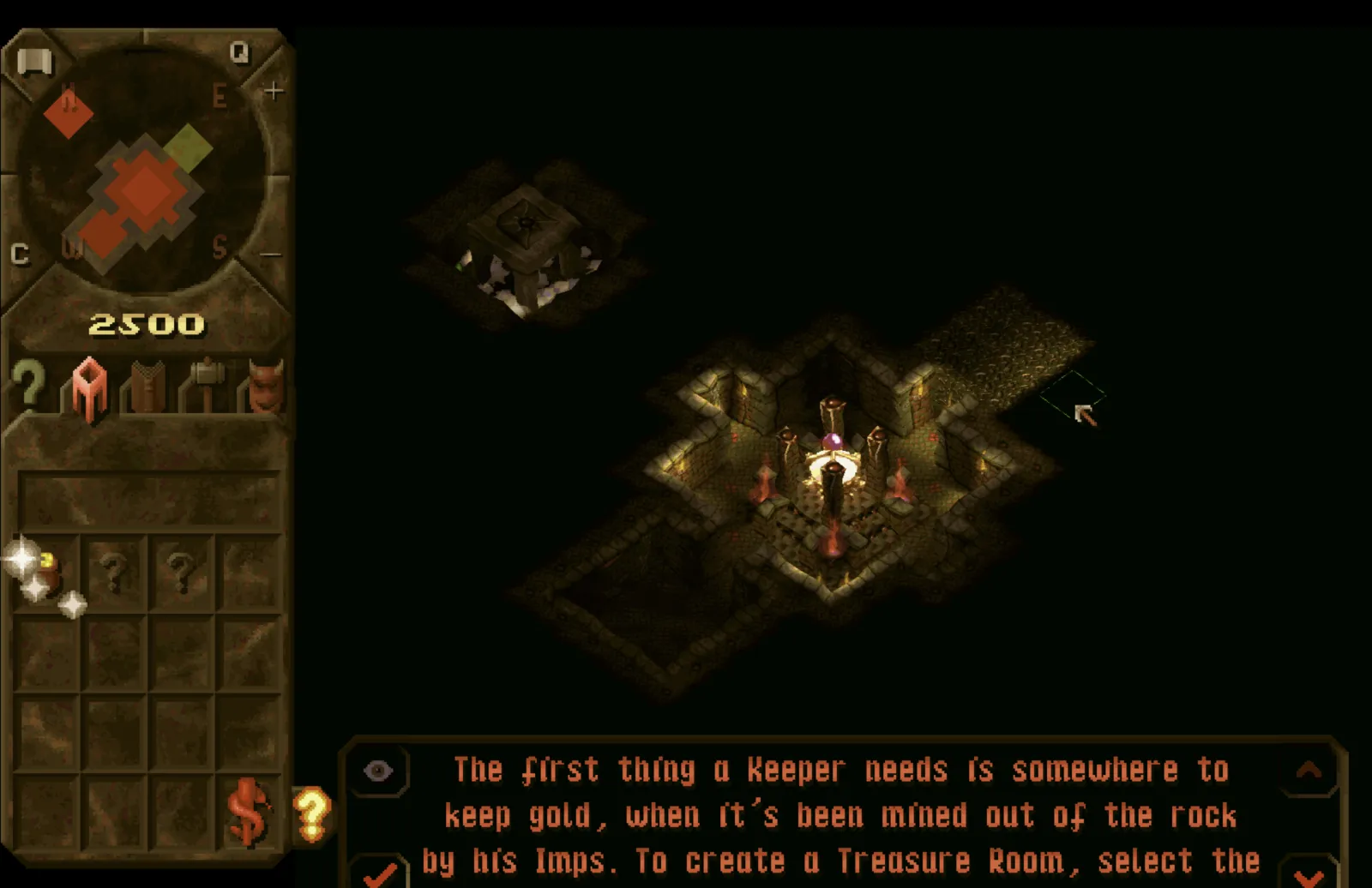
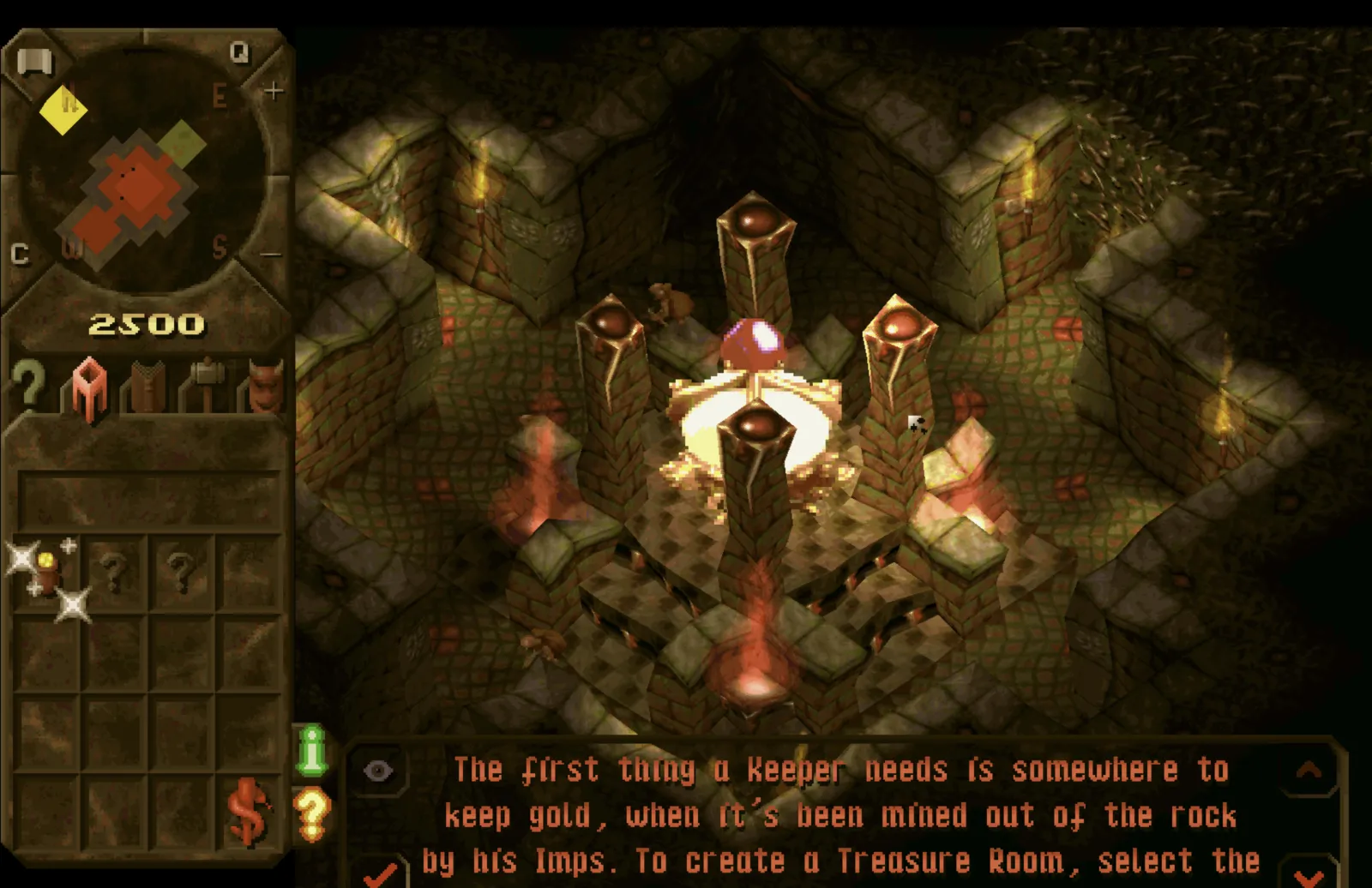
Running on an Apple Silicon Mac from the arm64 build.
# How the build works
KeeperFX is fully decompiled and standalone, with no hooks into the original 32-bit DK.exe at fixed addresses. It compiles as a normal 64-bit program, which matters because macOS has had no 32-bit support since Catalina. SDL3 handles video, input, audio and networking.
macos.mk builds it with Homebrew libraries and takes its list of source files from src/, the same way upstream's CMake build does, so files upstream adds or moves don't break it. The fork follows upstream's master, and I rebase my changes on top of it each time rather than carrying a separate copy.
KeeperFX has a software renderer and an OpenGL one. On macOS the OpenGL one is now the default. It deadlocked its render thread and showed a black window on Apple Silicon at first, and both are fixed. Setting RENDERER=SOFTWARE in keeperfx.cfg switches back, and the game falls back to software on its own if OpenGL won't start.
# What the fork changes
Everything here sits on top of upstream dkfans/keeperfx.
arm64 correctness. Unaligned access caused SIGBUS crashes in the isometric render, the sprite and pixel draw, the computer player's gold scan and the named-field config framework. Several structs were declared inside #pragma pack(1) blocks but never serialised to disk, being runtime helpers full of pointers. On arm64 a statically-initialised packed struct puts those pointers at unaligned offsets and the linker rejects it, so they're left at natural alignment now. x86 behaviour is unchanged.
Text rendering. Word-wrapped text with no alignment set, such as the scrolling tooltip box, redrew the whole string from the start at every wrap point. Glyphs outside the clip rectangle were still laid out, and every glyph was its own draw call. The first is an upstream bug. With all three fixed, a scrolling tooltip that dropped the game to 4 FPS holds 58 to 60 on my Mac.
Safety fixes. Bounds checks on the RNC decompressor and the script command-name lookup, and a guard on the power-hand path against a bad dungeon pointer or an out-of-range creature model.
User data locations. Saves, settings, high scores, netplay config and screenshots now write to the proper per-user location instead of the game folder, so the install can be read-only and replacing the app never touches your saves. Existing saves are migrated once, copied rather than moved. On macOS that's ~/Library/Application Support/KeeperFX, on Linux $XDG_DATA_HOME/keeperfx, on Windows %APPDATA%\KeeperFX. Screenshots go to Application Support rather than ~/Pictures, so taking one doesn't trigger a privacy prompt mid-game. The reasoning is in ADR 0001.
Packaging and CI. tools/make_macos_app.sh bundles the engine's libraries with dylibbundler and ad-hoc signs the result. CI builds and checks the macOS, Windows and Linux builds on every push to master. The macOS download ships an optional starter keeperfx.cfg with a calmer GUI flash rate, 5 against upstream's 1, used only if the game folder has none.
# Windows and Linux
Use the official project. This fork exists for the Apple Silicon build. The Windows and Linux builds still work here and CI checks them, but there's no reason to use this fork over upstream on those platforms.
# Build it yourself
The full write-up is in docs/MACOS_ARM64_PORT.md.
brew install pkg-config sdl3 sdl3_image sdl3_mixer ffmpeg luajit \
    openal-soft libspng minizip miniupnpc libnatpmp zlib curl dylibbundler
./tools/build_macos_deps.sh
make -f macos.mk -j"$(sysctl -n hw.ncpu)"
tools/make_macos_app.sh
GPL v2, same as upstream.