Two game builds finished this month, at opposite ends of the Mac timeline. Half-Life 1 now runs from a single app on everything from a Power Mac G3 to an M5 MacBook Air under Rosetta 2, and since then 25 Half-Life mods run on it too, installed by a second app that works as far back as Mac OS X 10.3.9. KeeperFX, the Dungeon Keeper remake, has a native Apple Silicon build, with the unaligned-access crashes fixed and saves moved out of the app folder. Both were built with AI (Claude Code) under my direction and tested on the machines.
# Half-Life on old Macs
Half-Life for old Macs covers a 450 MHz G3 tower on Panther, a second G3 partition and two G4s on Tiger, a Leopard iMac G5 and a Lion Core 2 Duo mini, all off the same download. Three CPU slices sit in the app and the machine picks its own at launch.
Underneath it is Xash3D FWGS, the open-source reimplementation of GoldSrc, rather than the retail engine. PowerPC needs big-endian forks of it, and none of the retail game code can be reused on any of these machines, so every bit of it gets recompiled per slice.
Every machine renders with hardware OpenGL, down to the G3's Rage 128, and draws the world in a single multitexture pass rather than the stock two, base texture and lightmap together. The G3 gains about 30% from that, being fillrate-bound and having its fill work halved; the faster machines gain less. The measured before-and-after for all five is on the project page.
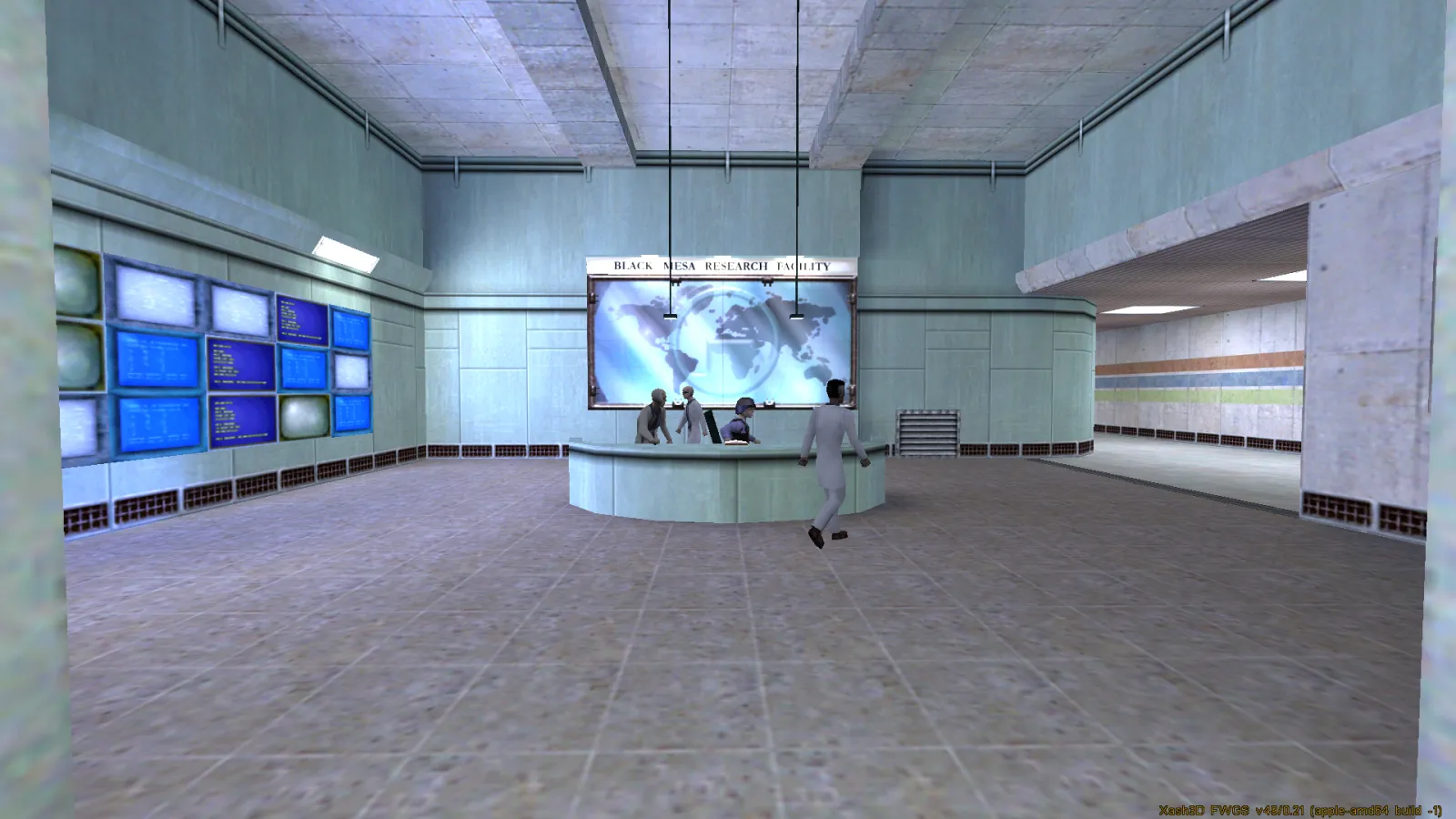
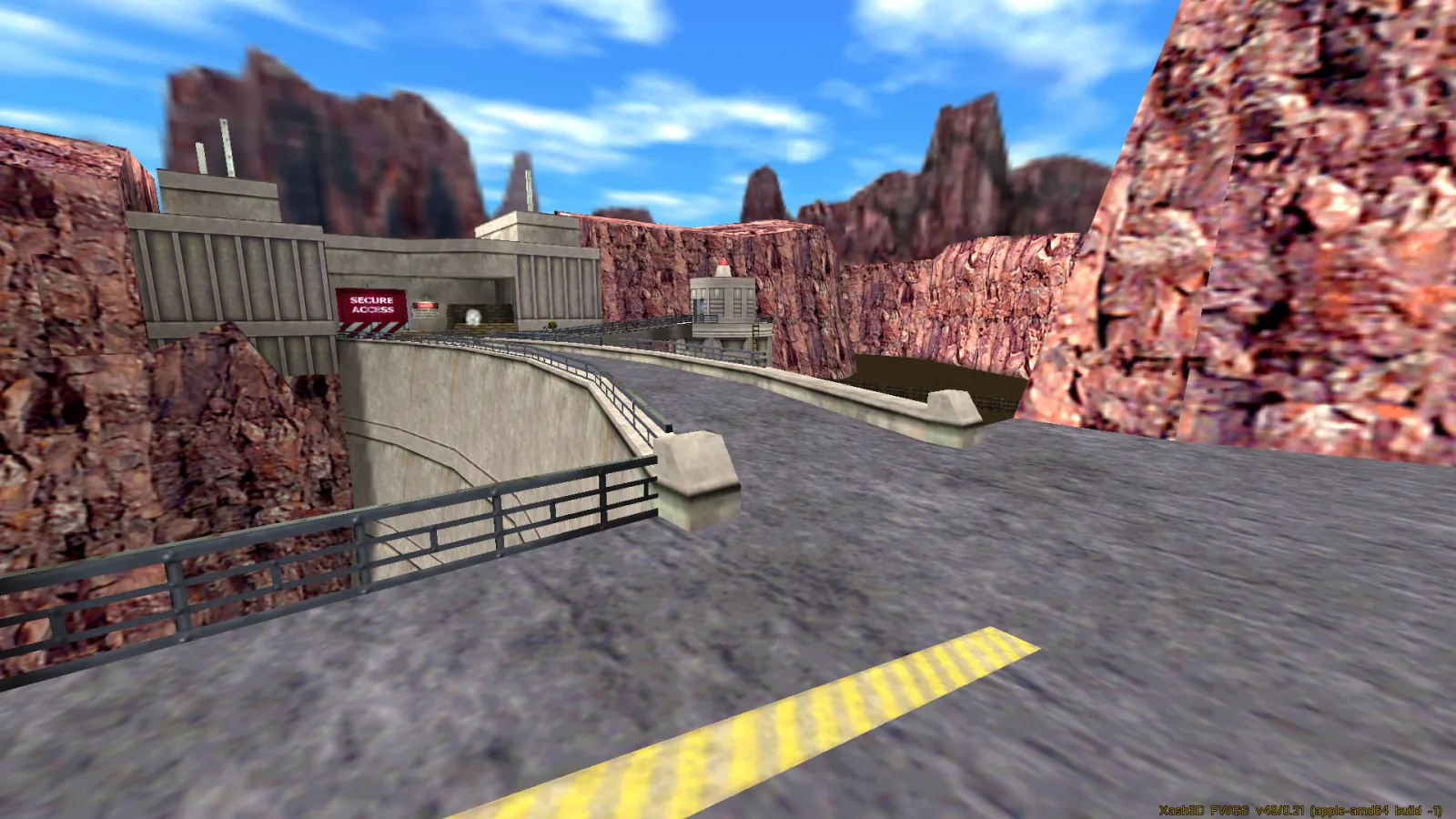
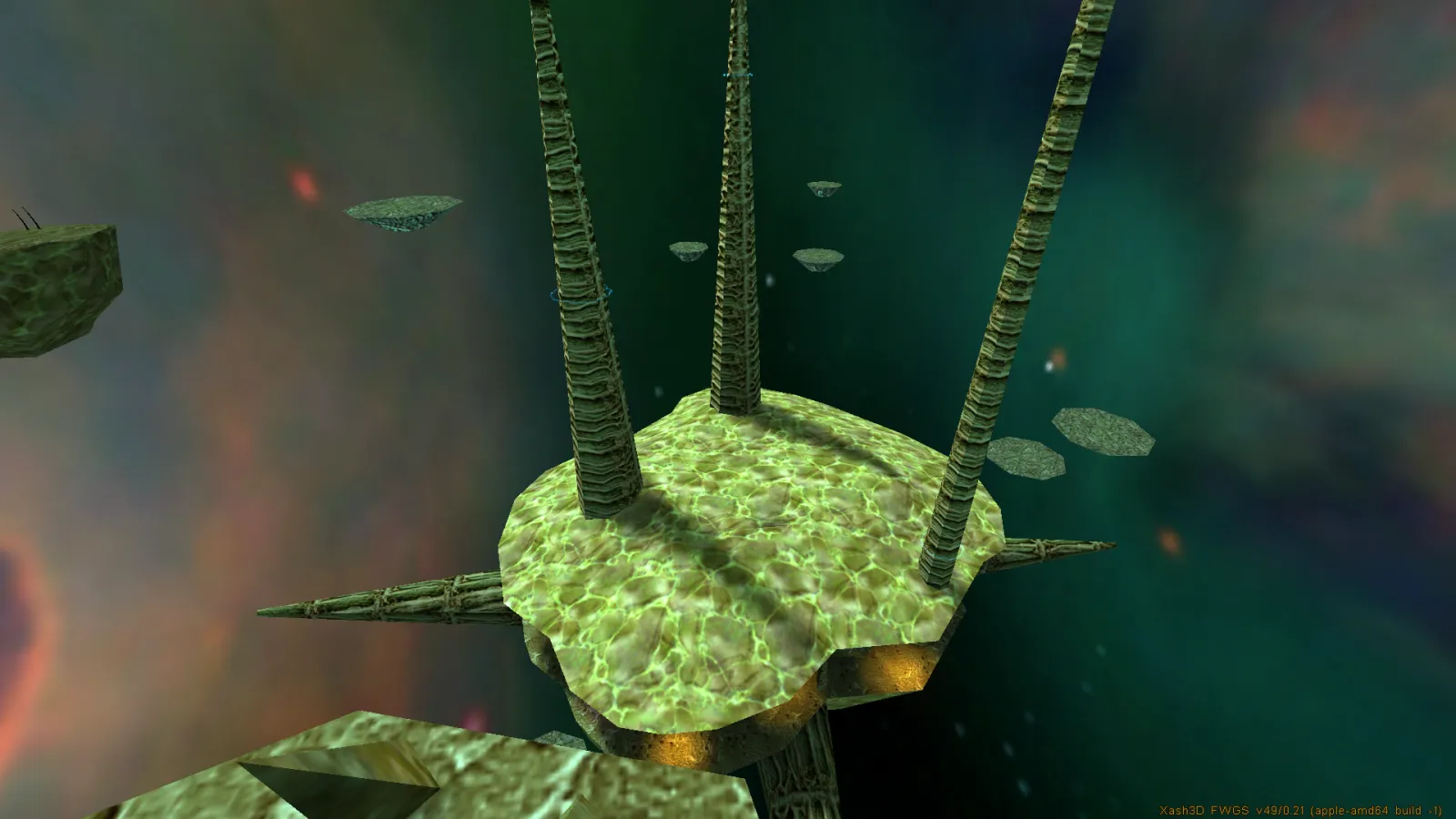
LAN multiplayer works across the endian boundary. The in-game server browser finds games, Intel and PowerPC play each other in both directions, and I've played a three-way game with the Intel mini, the G5 and a G4 at once.
# And then the mods
A second app, Half-Life Mods.app, puts 25 Half-Life mods beside the game: Blue Shift, Opposing Force, They Hunger, Poke 646 and the rest. All of them work on the PowerPC machines, not just the Intel one, and Half-Life's own Custom Game menu picks them up once they are installed.
The mods themselves are thedoctor45's work, not mine, out of their collection on Macintosh Garden. What my app adds is the game code, which is the only part of a mod that has to be rebuilt for these machines, and only about 3% of its bulk. That is the whole trick, and it is why a fixed list of mods works where "any mod you point at it" could not.
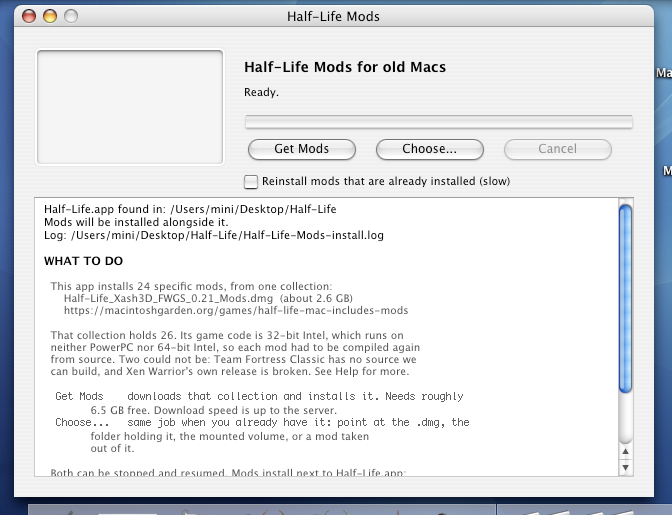
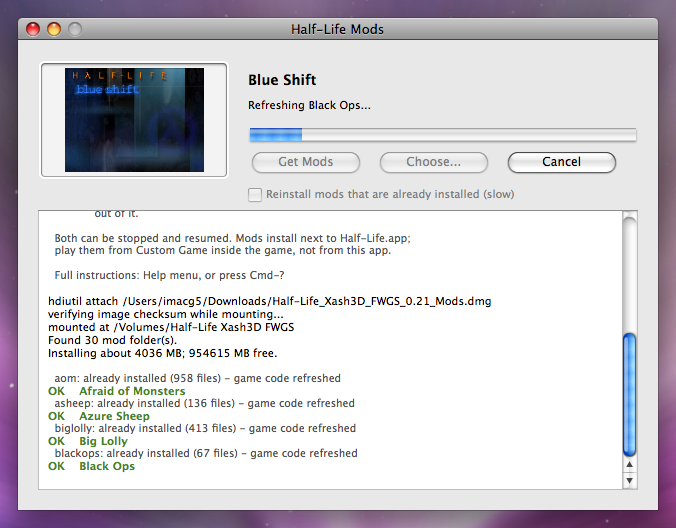
Both shots were taken before Xen Warrior brought the count up, so the app is still saying 24 in them.
There is more on the project page: what writing Cocoa for 10.3 rules out, how you download 2.6 GB onto a machine with no TLS, and the one mod of the 26 that cannot be done at all.
Two things don't work. PowerPC has no built-in HTTPS, so its HTTP layer is plaintext. And PowerPC demos only play back on PowerPC, because of the byte order they're recorded in.
# KeeperFX on Apple Silicon
KeeperFX is the open-source Dungeon Keeper remake. My fork builds it natively on Apple Silicon as an arm64 binary with no Rosetta. Dungeon Keeper was a favourite of mine as a kid and I wanted it on the Mac I actually use.
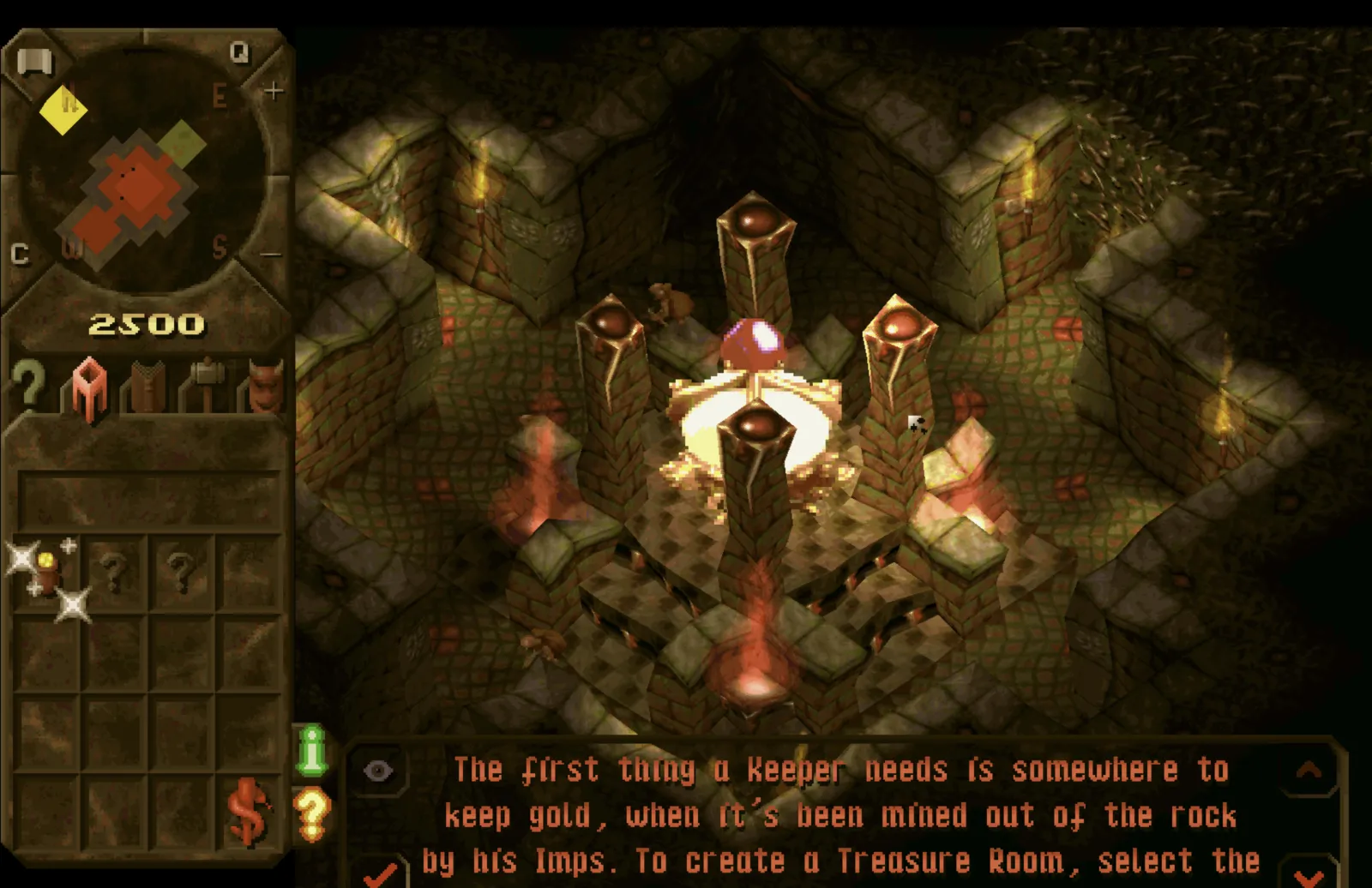
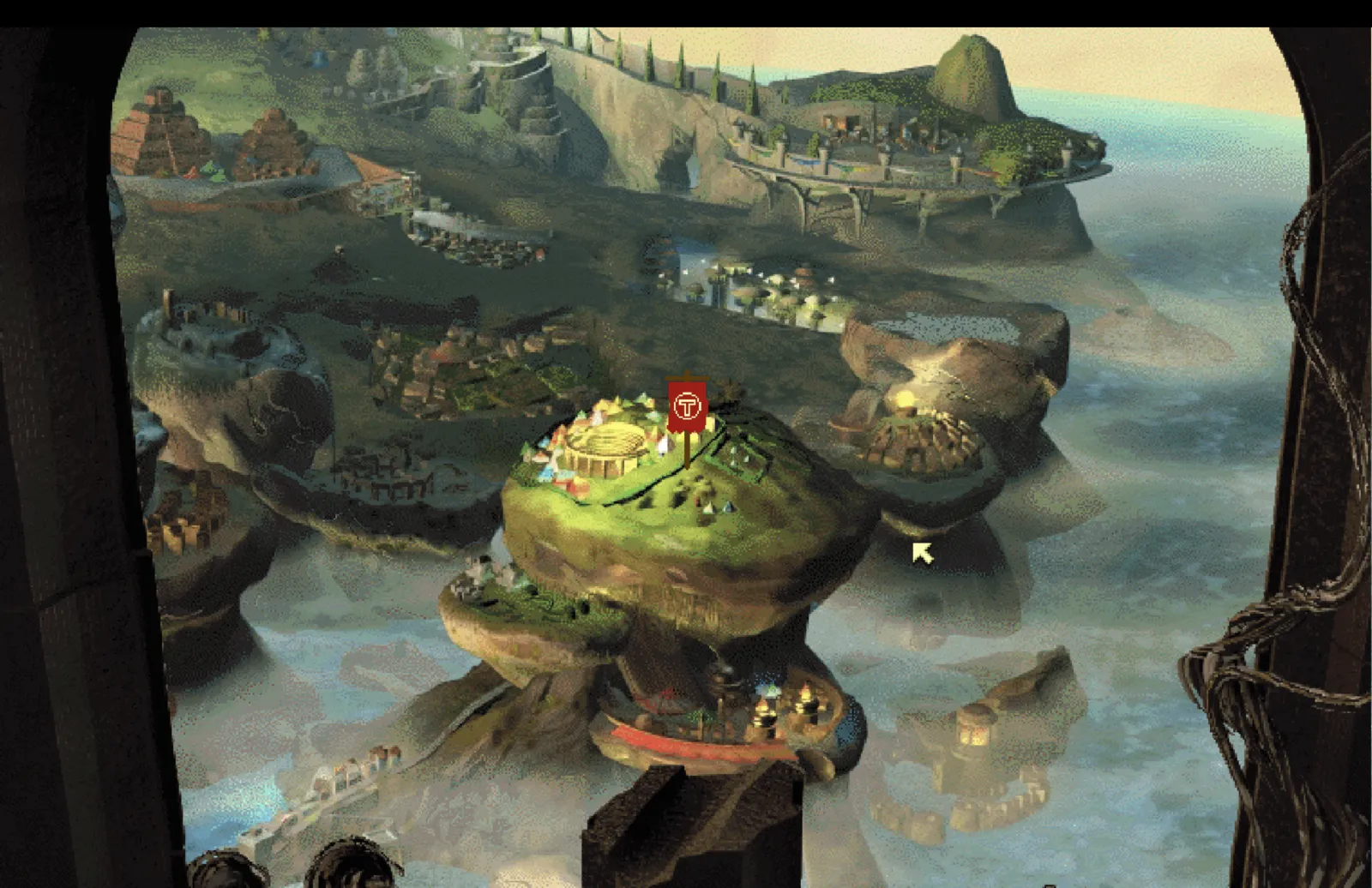
The macOS build reuses KeeperFX's Linux build, adapted for arm64 and Homebrew. There were a handful of crashes to fix along the way, which are written up on the project page.
I also moved saves, settings and screenshots to ~/Library/Application Support/KeeperFX instead of the game folder, so the install can be read-only and replacing the app doesn't touch your saves. Screenshots go there rather than ~/Pictures so taking one doesn't fire a privacy prompt mid-game.
This fork is temporary. Upstream is working on native macOS support, and when the official project ships an Apple Silicon build I'll stop maintaining mine. If you want to play KeeperFX, use the official project.
Nearly all of the code in both cases is other people's: the engines are the Xash3D and KeeperFX teams' work, and the PowerPC engine I'm building on is doctashay's and IntriguingTiles'. Mine is the build scripts, the patches, the config and the testing on real hardware.